45
REMOTE COMMUNICATION
The meter has the capability to communicate with a PC over the mini USB interface. Upon
installation of a USB driver, the PC can control the instrument over virtual COM (RS-232). The
mini USB communication interface of the meter is designed in full duplex and has a 64-byte
input and output buffer, making it reliable and efficient for data transmission.
Connecting Instrument to PC
Follow the below procedures for connection setup.
1. Download the USB drivers from www.bkprecision.com.
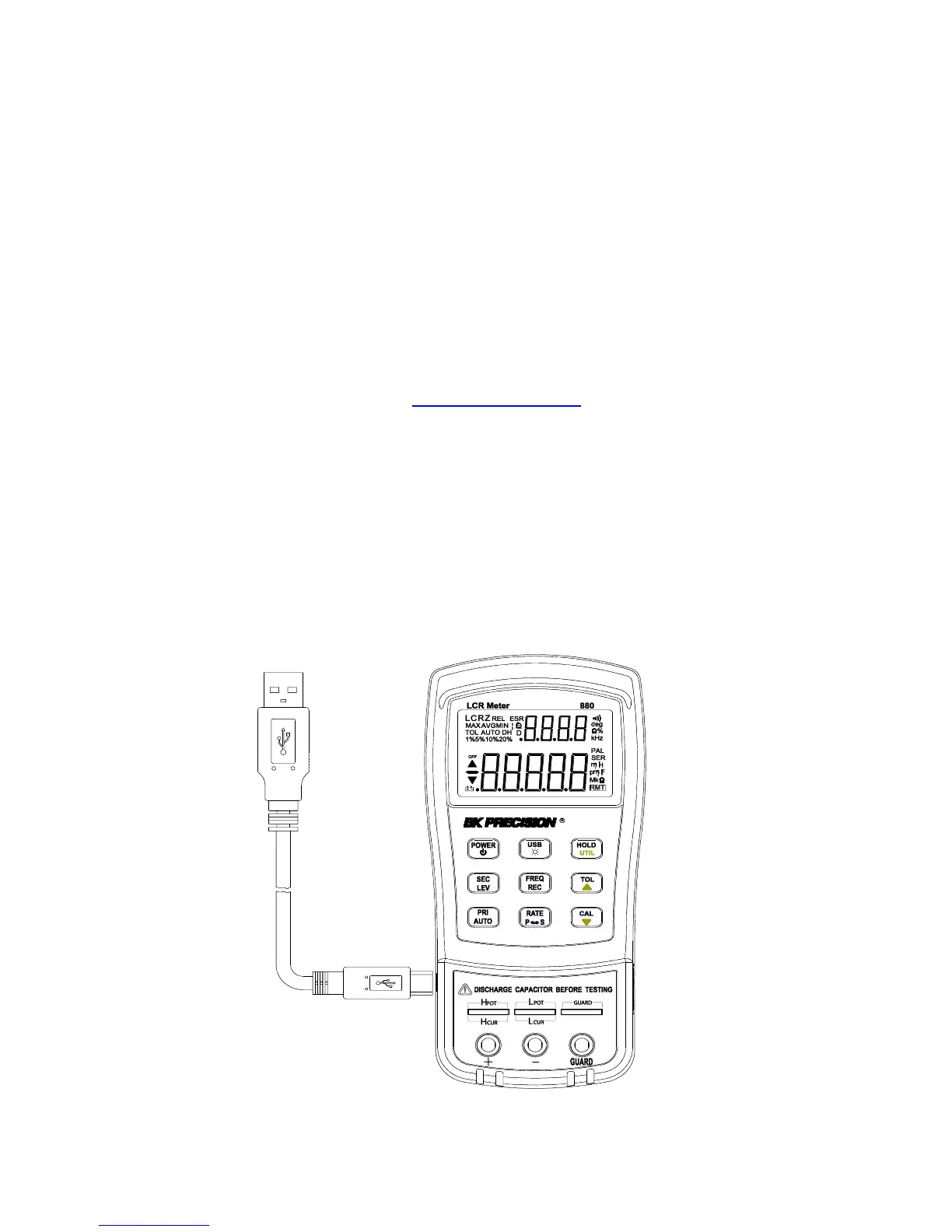
2. With the included mini USB cable, connect the mini USB end to the LCR meter and the
other end to an available USB port on the PC (see Figure 13).
3. When Windows recognize the USB connection, do not follow the default Windows
driver installation wizard. Simply run the setup file from the downloaded USB drivers
and follow the prompt to install drivers.
4. When completed, the computer will recognize the instrument as a USB (virtual COM)
device, meaning it will be detected as a serial COM port. Windows will automatically
assign a COM port to the instrument. Please verify which COM port Windows has
assigned by going into “Device Manager”.
Figure 16 - USB Connection



 To Next Page