53
4 Remote Operation
4.1 Interface Connection
RS-232
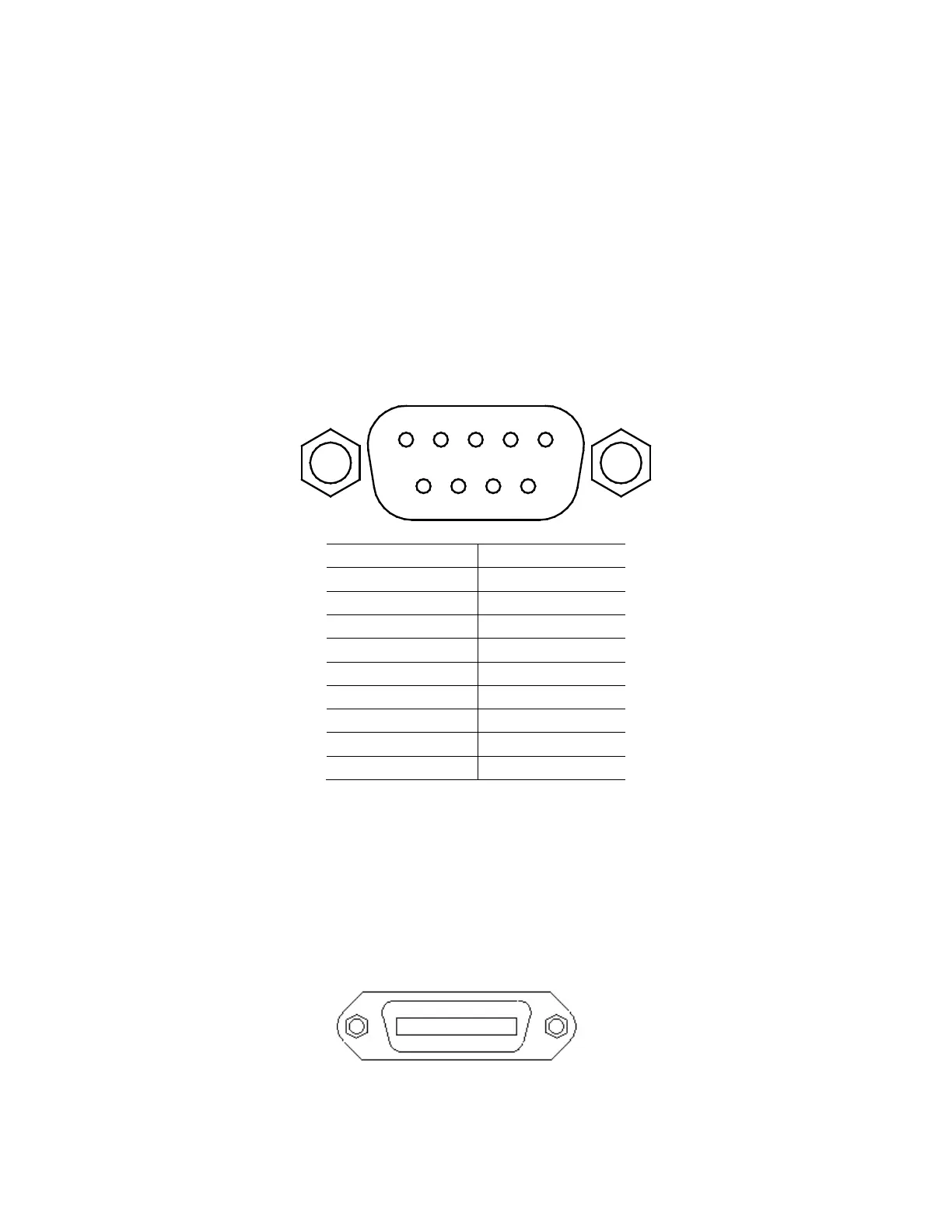
For RS-232 connectivity, refer to the diagram below for pinout information. The RS-232 is
labeled in the rear panel and it is a female DB-9 interface.
A straight pin-to-pin DB9 female to DB9 male serial cable is required for using the RS-232
interface. Do not use a null modem or crossover DB9 serial cable.
GPIB
The power supply can be configured with a GPIB address from 0 – 31. To communicate via GPIB,
connect a GPIB cable to the GPIB interface on the rear panel, as illustrated below.











 To Next Page