_____________________________________________________________________
724-746-5500 | blackbox.com Page 101
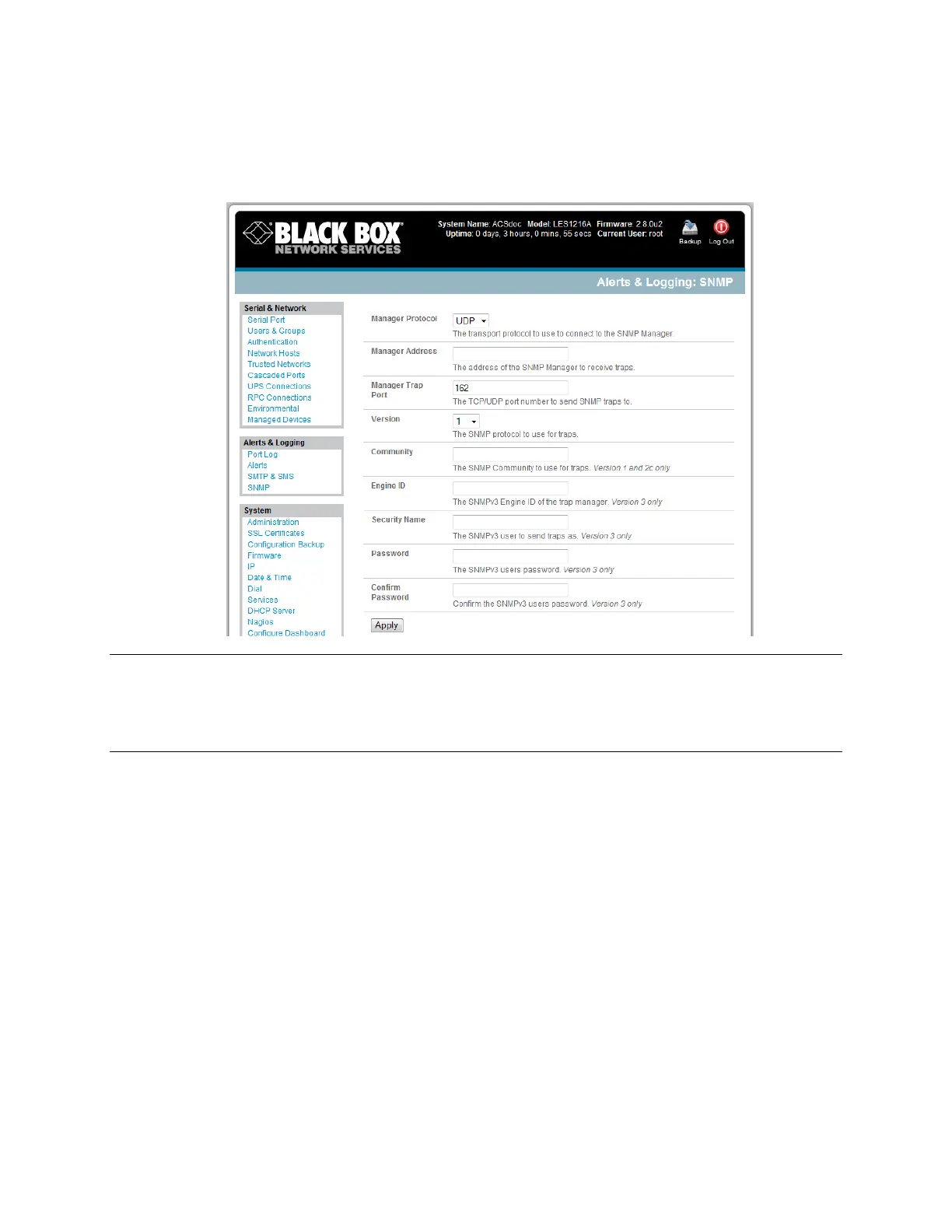
To configure for SNMP v3, you will need to enter an ID and authentication password and contact
information for the local Administrator (in the Security Name).
Click Apply to activate SNMP.
Note All console servers have the snmptrap daemon to send traps/notifications to remote SNMP
servers on defined trigger events as detailed above. LES1208A, LES1216A, and LES1248A
console servers also embed the net-snmpd daemon. It accepts SNMP requests from remote
SNMP management servers and provides information on network interface, running processes,
etc. (refer to Chapter 15.5—Modifying SNMP Configuration for more details).
7.1.4 Nagios alerts
To notify the central Nagios server of Alerts, NSCA must be enabled under System: Nagios and Nagios
must be enabled for each applicable host or port under Serial & Network: Network Hosts or Serial &
Network: Serial Ports (refer to Chapter 10).
7.2 Activate Alert Events and Notifications
The Alert facility monitors the status of the console server and connected devices. When an alert event
is triggered, the Alert facility notifies a nominated email address or SMS gateway, or the configured
SNMP or Nagios server. The data stream from nominated serial ports can be monitored for matched
patterns or flow control status changes can be configured to trigger alerts, as can user connections to
serial ports and Hosts, or power events.











 To Next Page