_____________________________________________________________________
724-746-5500 | blackbox.com Page 33
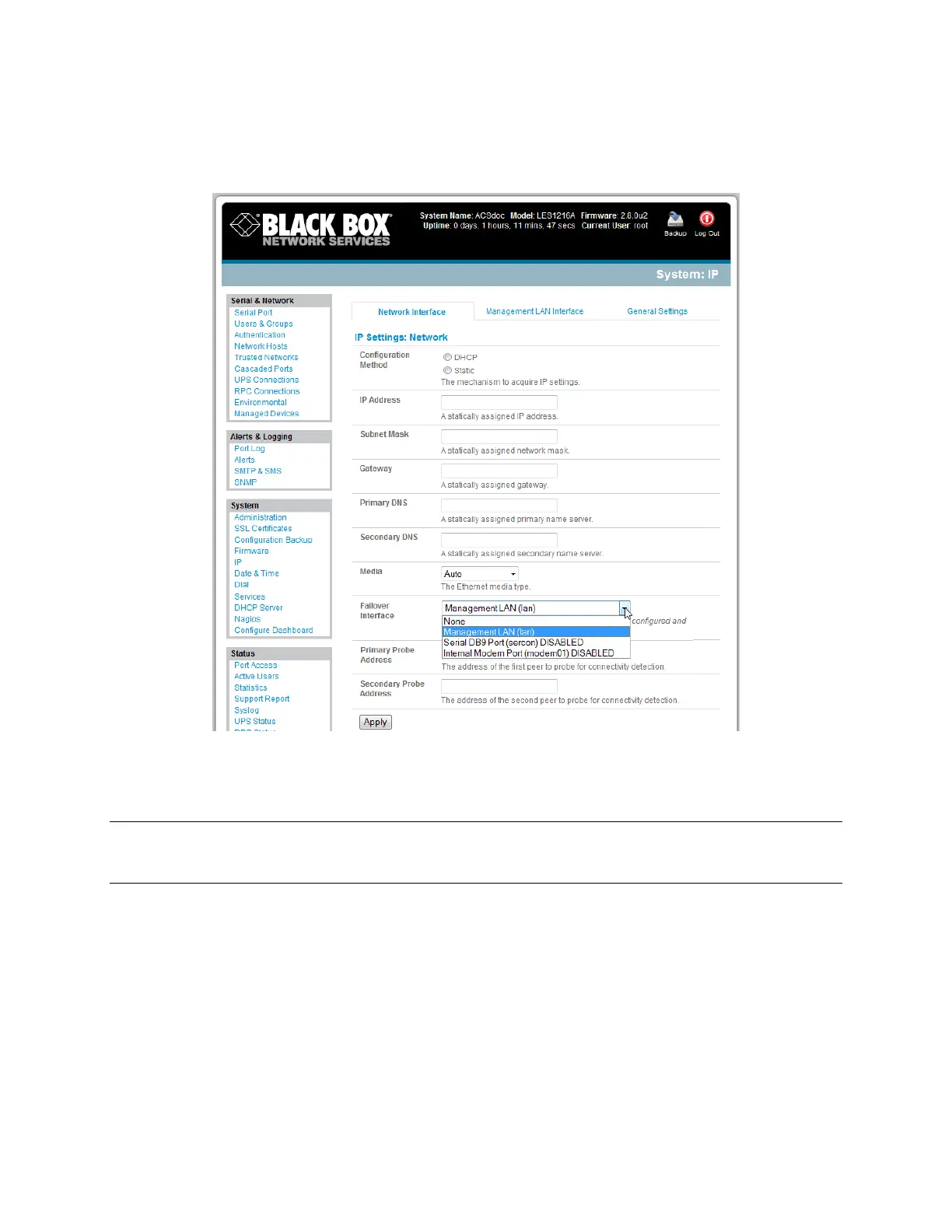
o the internal modem, or
o an external serial modem connected to the Console port (for dialing out to an ISP or the
remote management office).
Click Apply. You have selected the failover method. It is not active until you specify the external
sites to be probed to trigger failover, and set up the failover ports themselves. This is covered in
Chapter 5.
Note With the LES1208A, LES1216A, and LES1248A, you can configure the second Ethernet port as
either a gateway port or as an OOB/Failover port, but not both. Make sure you did not enable the
Management LAN function on Network 2.
3.6.4 Bridging the network ports
By default, you can only access the console server's Management LAN network ports using SSH tunneling/port
forwarding. However, all the wired network ports on the console servers can also be bridged.











 To Next Page