_____________________________________________________________________
724-746-5500 | blackbox.com Page 34
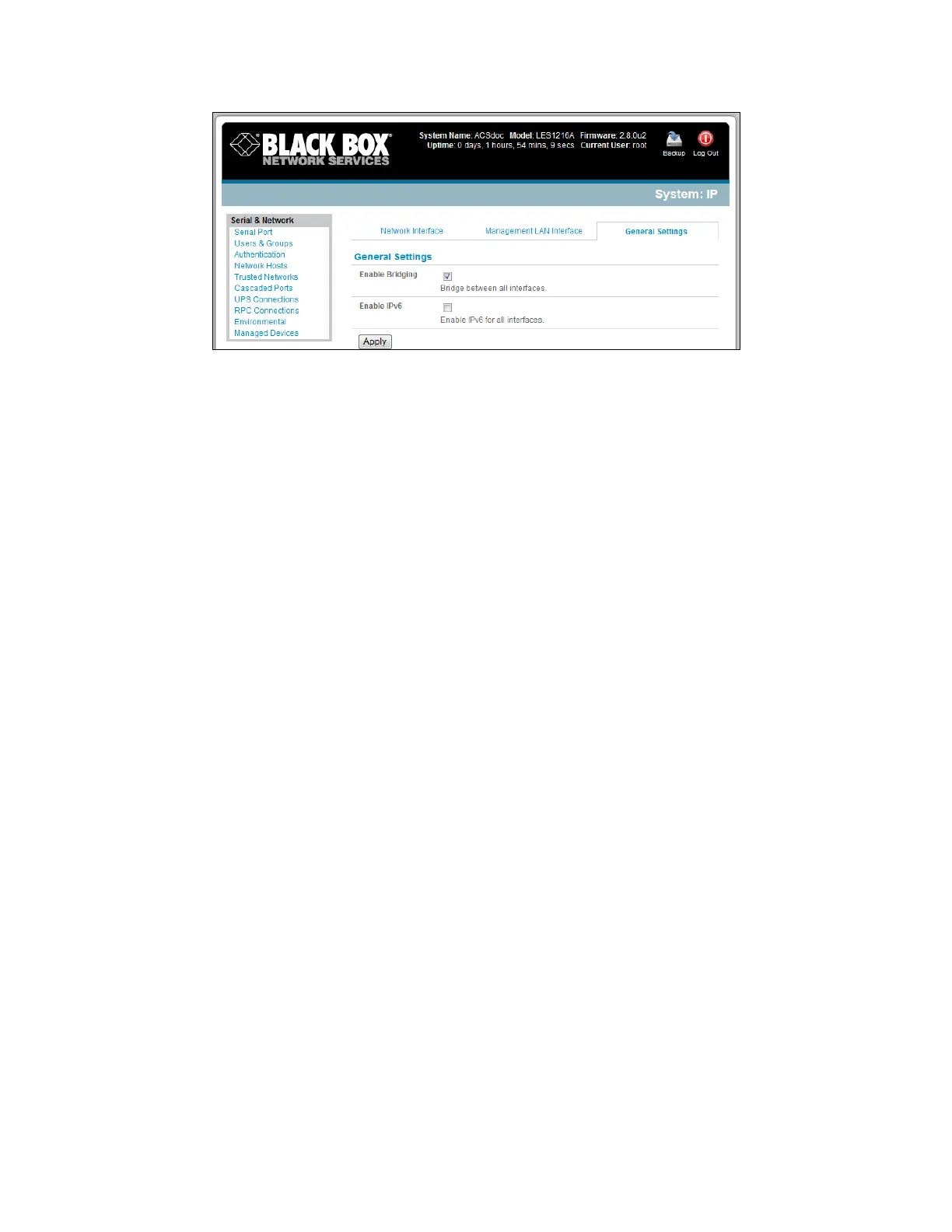
Select Enable Bridging on the System: IP General Settings menu.
All the Ethernet ports are all transparently connected at the data link layer (layer 2) and they are
configured collectively using the Network Interface menu.
When bridging is enabled, network traffic is forwarded between all Ethernet ports with no firewall
restrictions. This mode also removes all the Management LAN Interface and Out-of-Band/Failover
Interface functions, and disables the DHCP Server.











 To Next Page