_____________________________________________________________________
724-746-5500 | blackbox.com Page 158
Select Status: Support Report and you will be presented with a status snapshot.
Save the file as a text file and attach it to your support email.
12.4 Syslog
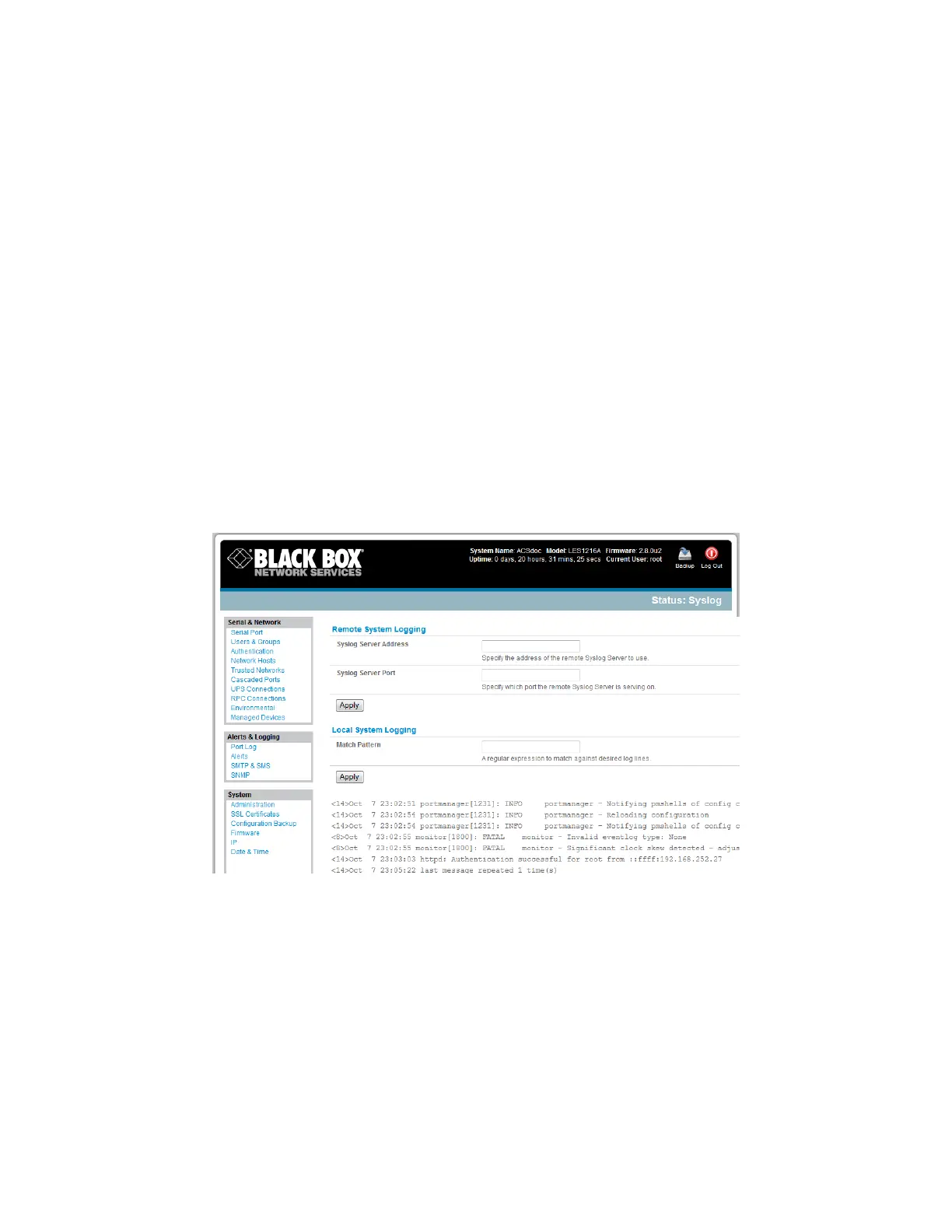
The Linux System Logger in the console server maintains a record of all system messages and errors:
Select Status: Syslog
You can redirect the syslog record to a remote Syslog Server:
Enter the remote Syslog Server Address and Syslog Server Port details and click Apply.
The console maintains a local Syslog. To view the local Syslog file:
Select Status: Syslog
To make it easier to find information in the local Syslog file, use the provided pattern matching filter
tool.
Specify the Match Pattern that you want to search for (for example, the search for mount is
shown below) and click Apply. The Syslog will then be represented with only those entries that
actually include the specified pattern.
12.5 Dashboard
The Dashboard provides the Administrator with a summary of the status of the console server and its
Managed Devices. You can configure custom dashboards for each user group.











 To Next Page