_____________________________________________________________________
724-746-5500 | blackbox.com Page 72
6.2.6 Manually adding new services to the new hosts
To extend the range of services that you can use when accessing hosts with SDT Connector:
Select Edit: Preferences and click the Services tab. Click Add.
Enter a Service Name and click Add.
Under the General tab, enter the TCP Port that this service runs on (for example, 80 for HTTP).
Or, select the client to use to access the local endpoint of the redirection.
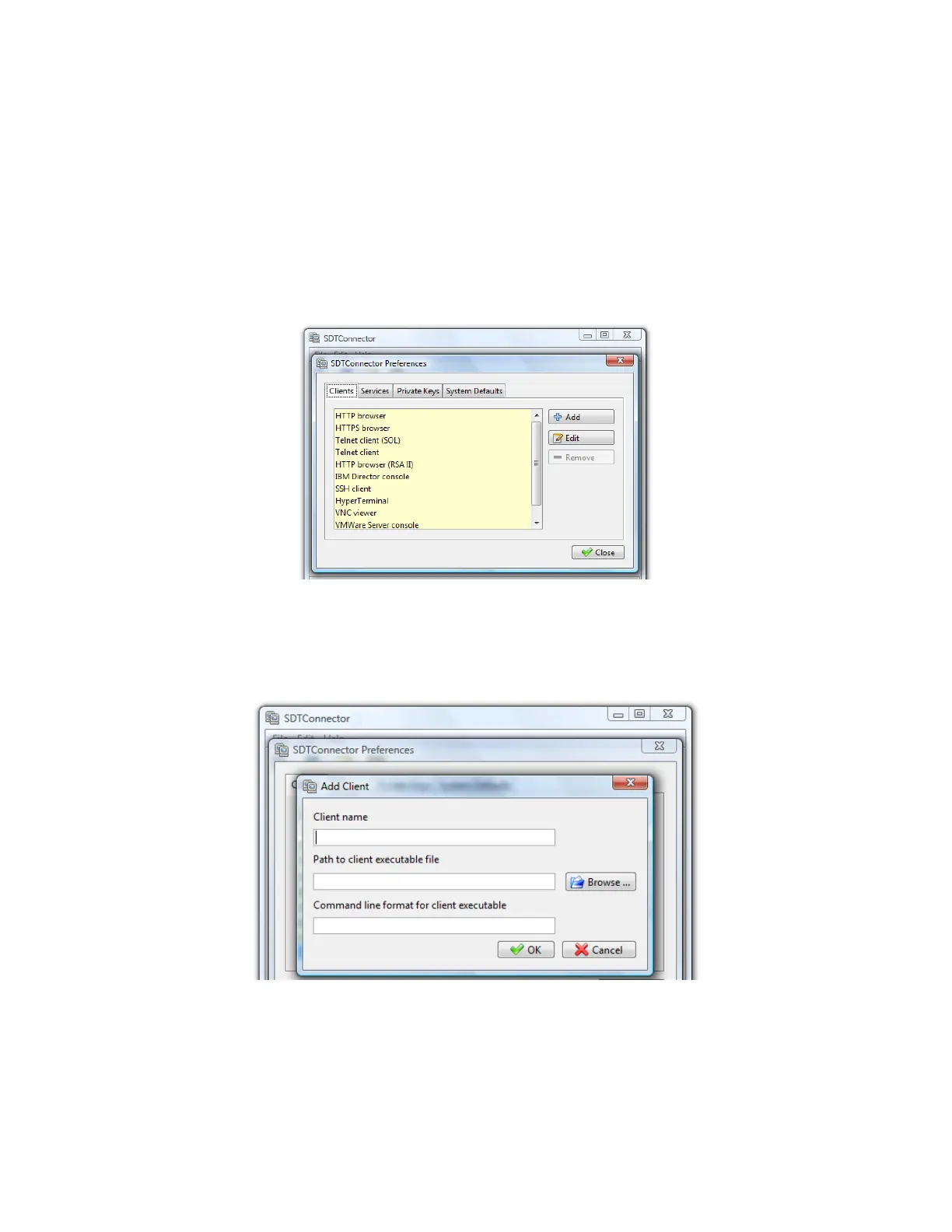
Select which Client application is associated with the new service. A range of client application
options are pre-configured in the default SDT Connector (RDP client, VNC client, HTTP browser,
HTTPS browser, Telnet client, etc.). If you want to add new client applications to this range,
proceed to the next section (Adding a new client), then return here.
Click OK, then Close.
A service typically consists of a single SSH port redirection and a local client to access it. It may consist of
several redirections, and some or all may have clients associated with them.











 To Next Page