_____________________________________________________________________
724-746-5500 | blackbox.com Page 61
5.1.2 Using SDT Connector client
Administrators can use their SDT Connector client to set up secure OoB dial-in access to all their remote
console servers. With a point and click, you can initiate a dial up connection. Refer to Chapter 6.5.
5.1.3 Set up Windows XP/ 2003/Vista/7 client
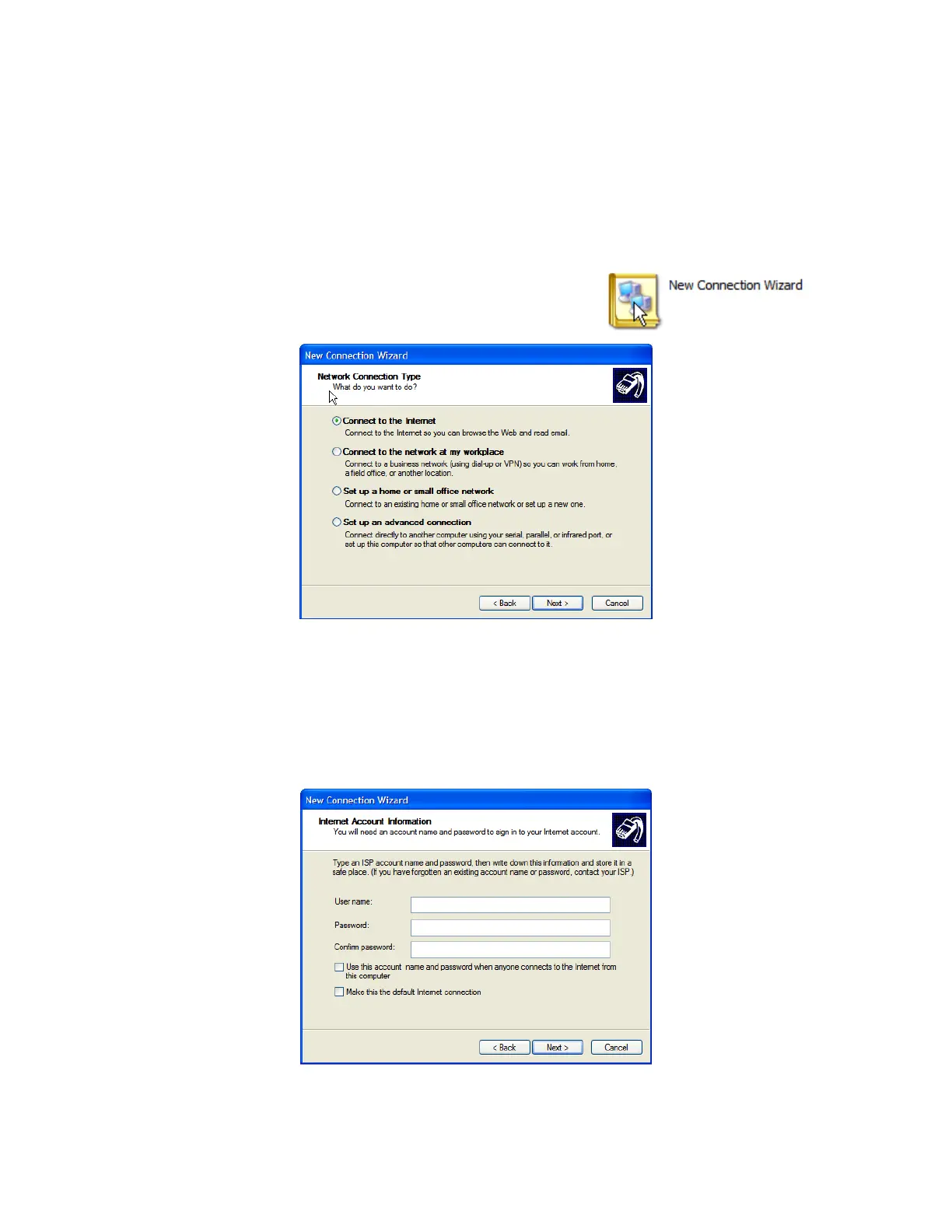
Open Network Connections in Control Panel and click the
New Connection Wizard.
Select Connect to the Internet and click Next.
On the Getting Ready screen, select Set up my connection manually and click Next.
On the Internet Connection screen, select Connect using a dial-up modem and click Next.
Enter a Connection Name (any name you choose) and the dial-up Phone number that will
connect through to the console server modem.
Enter the PPP User name and Password you set up for the console server.











 To Next Page