_____________________________________________________________________
724-746-5500 | blackbox.com Page 29
3.6 Management network configuration (LES1208A, LES1216A and LES1248A
only)
The LES1208A, LES1216A, and LES1248A console servers have a second network port that you can
configure as a management LAN port or as a failover/ OOB access port.
3.6.1 Enable the Management LAN
The LES1208A, LES1216A, and LES1248A console servers provide a firewall, router, and DHCP server.
You need to connect an external LAN switch to Network 2 to attach hosts to this management LAN.
This Management LAN feature is disabled by default. To configure the Management LAN gateway:
Select the Management LAN page on the System: IP menu and uncheck Disable.
Configure the IP Address and Subnet Mask for the Management LAN (but leave the DNS fields
blank).
Click Apply.
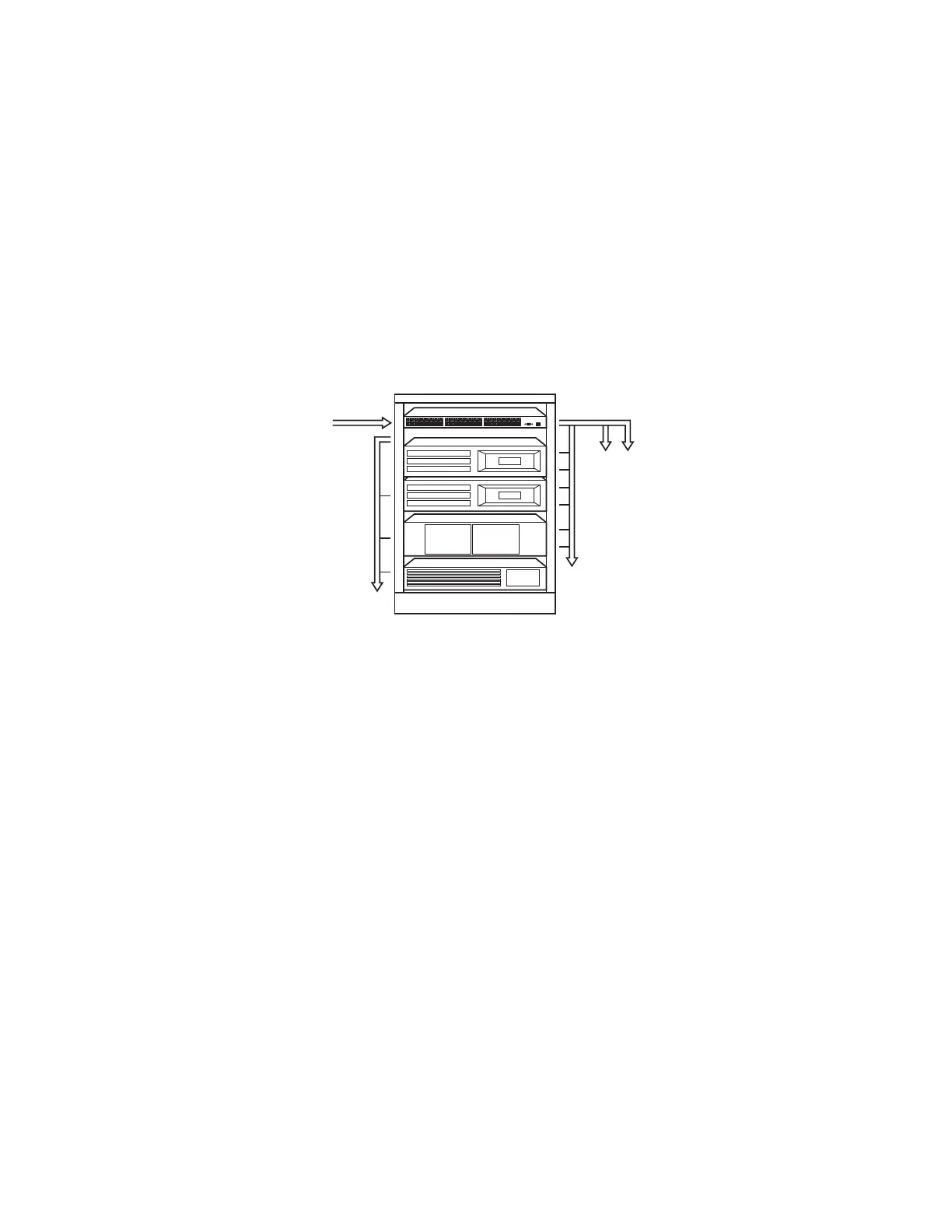
Gateway to the
management LAN
NETWORK 1
NETWORK 2
Operations
network
Serially connected
consoles
Management
network











 To Next Page