_____________________________________________________________________
724-746-5500 | blackbox.com Page 25
3.3.1 IPv6 configuration
You can also configure the console server Network and Management LAN Interfaces for IPv6 operation:
On the System: IP menu select General Settings page and check Enable IPv6.
Then, configure the IPv6 parameters on each Interface page.
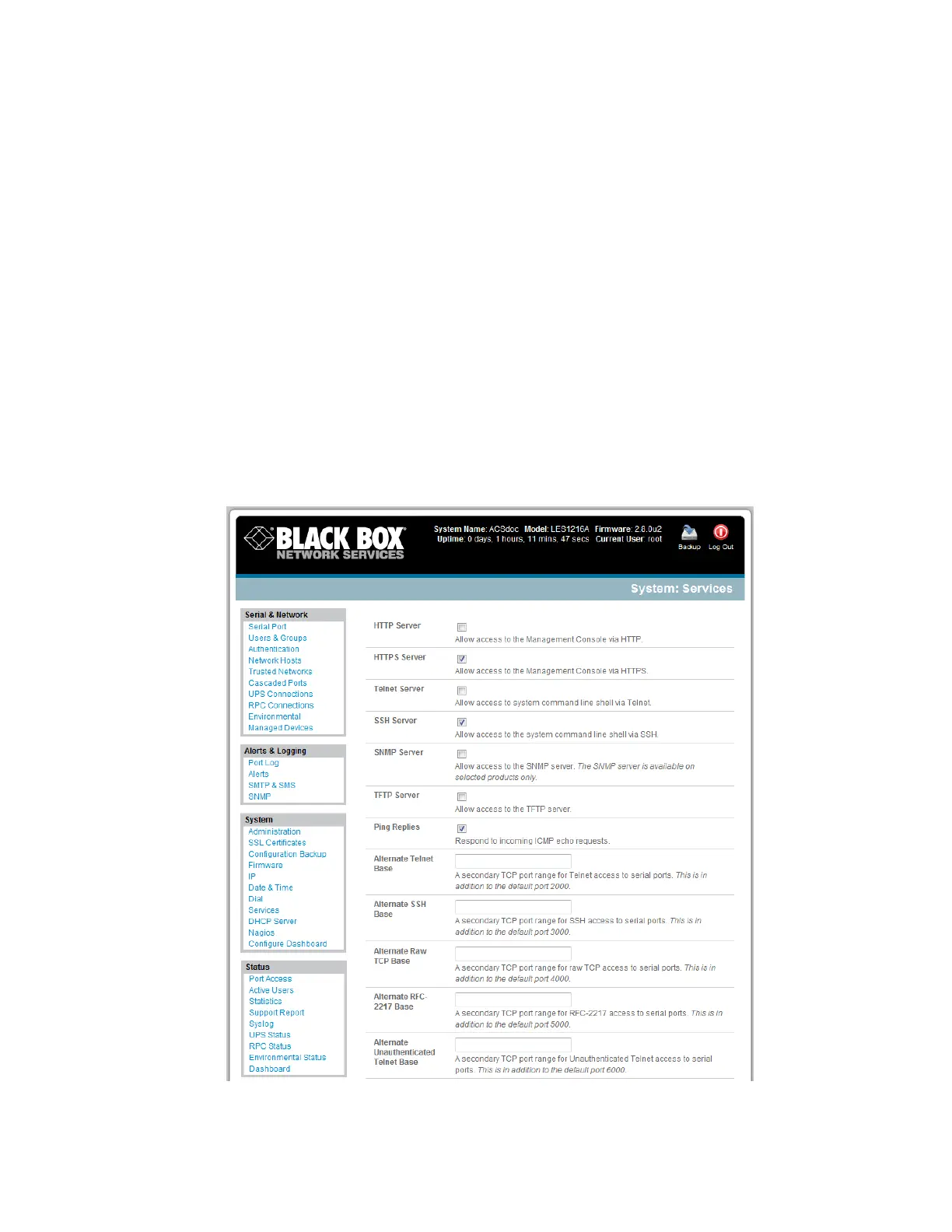
3.4 System Services
The Administrator can access and configure the console server and connect to the managed devices
using a range of access protocols (services). The factory default enables HTTPS and SSH access to the
console server and disables HTTP and Telnet.
A User or Administrator can also use nominated enabled services to connect through the console server
to attached serial and network connected managed devices.
The Administrator can simply disable any of the services, or enable others:











 To Next Page