_____________________________________________________________________
724-746-5500 | blackbox.com Page 109
Select the Serial & Network: RPC Connections menu. This will display all the RPC connections
that have already been configured.
Click Add RPC.
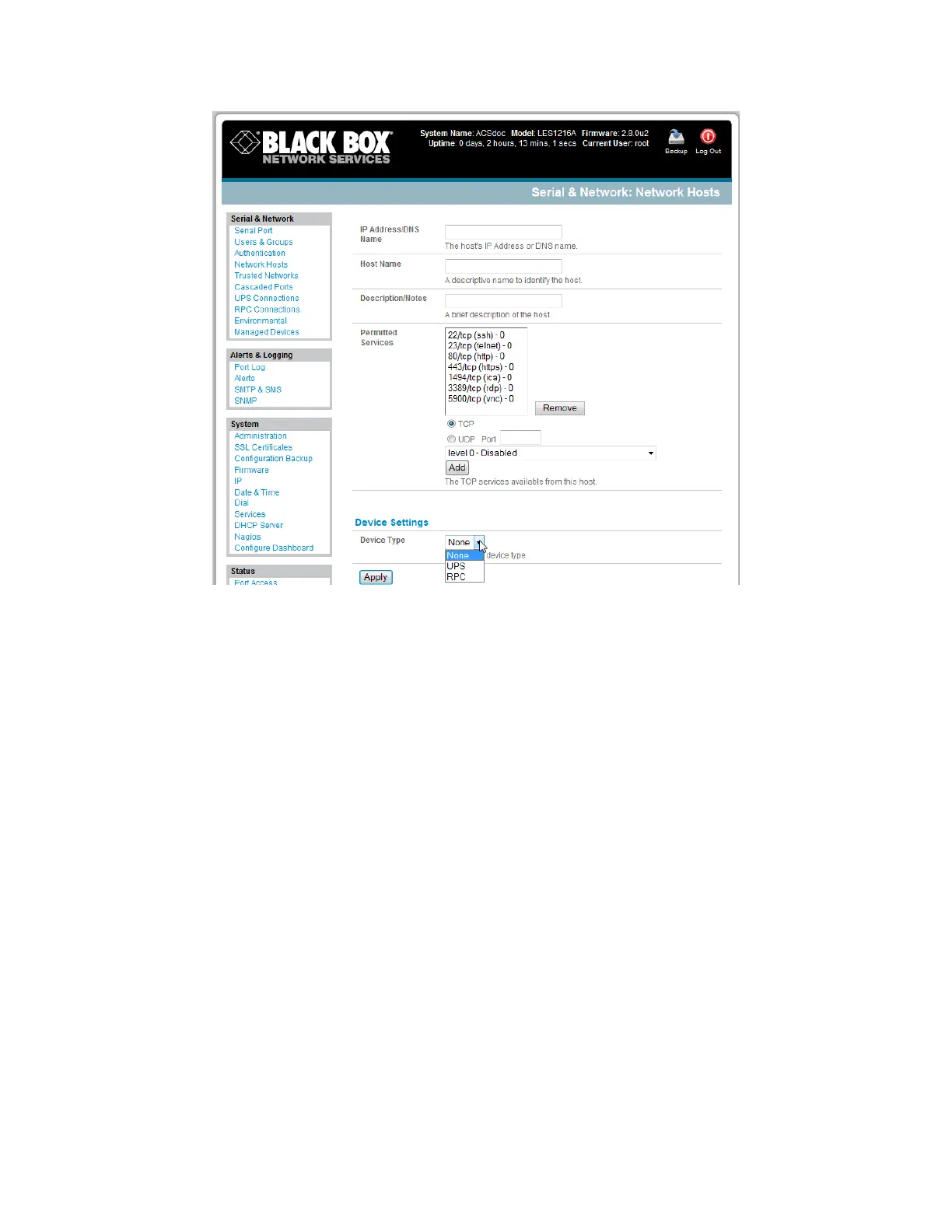
Connected Via presents a list of serial ports and network Host connections that you have set up
with device type RPC (but have yet to connect to a specific RPC device):
When you select Connect Via for a Network RPC connection, then the corresponding
Host Name/Description that you set up for that connection will be entered as the Name
and Description for the power device.
Or, if you select to Connect Via a Serial connection, enter a Name and Description for
the power device.











 To Next Page