_____________________________________________________________________
724-746-5500 | blackbox.com Page 114
For serial UPSes attach the UPS to the selected serial port on the console server. From the Serial
and Network: Serial Port menu, configure the Common Settings of that port with the RS-232
properties, etc. required by the UPS (refer to Chapter 4.1.1—Common Settings). Then select
UPS as the Device Type.
For each network connected UPS, go to the Serial & Network: Network Hosts menu and
configure the UPS as a connected Host by specifying it as Device Type: UPS and clicking Apply.
No such configuration is required for USB connected UPS hardware.
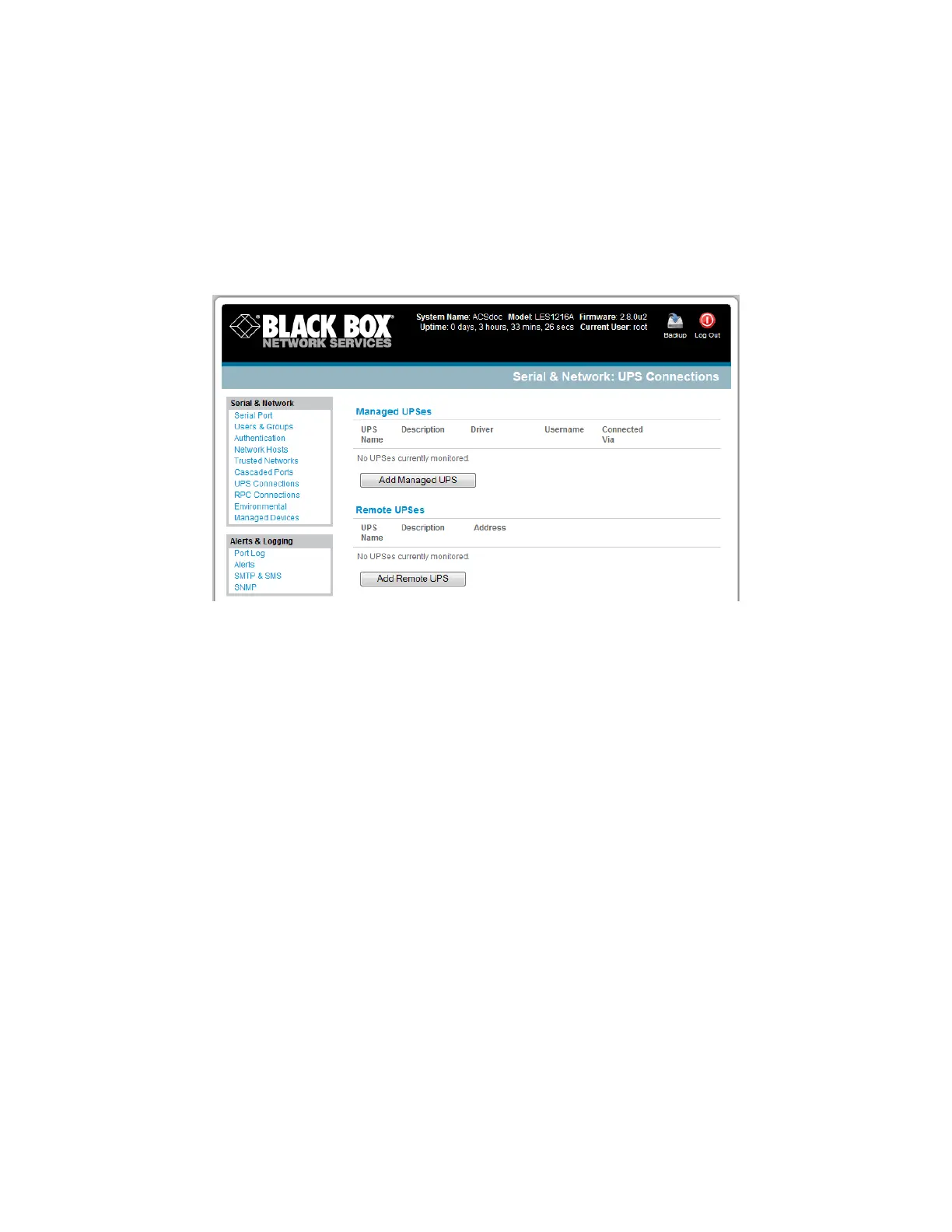
Select the Serial & Network: UPS Connections menu. The Managed UPSes section will display
all the UPS connections that have already been configured.
Click Add Managed UPS.











 To Next Page