_____________________________________________________________________
724-746-5500 | blackbox.com Page 160
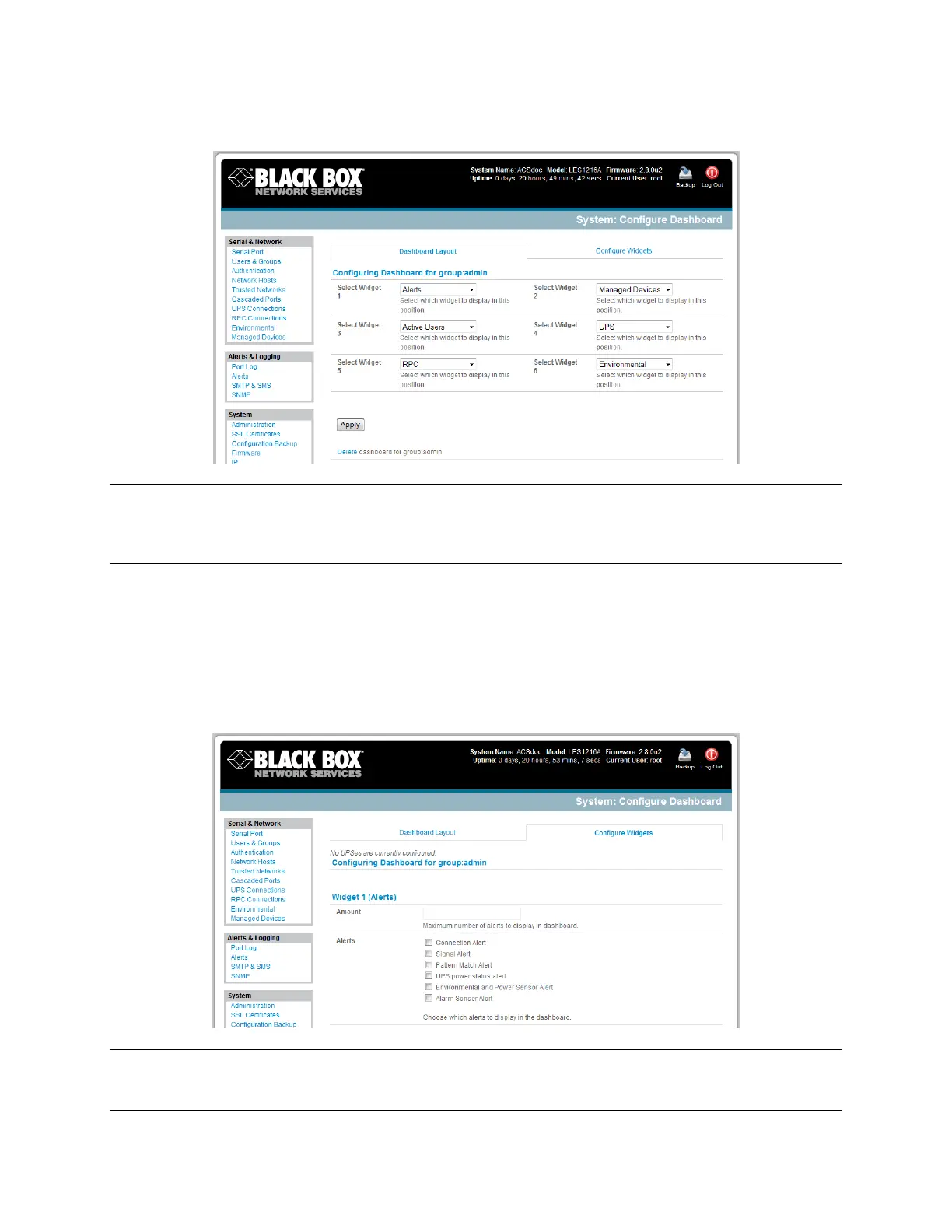
Click Apply.
Note: The Alerts widget is a new screen that shows the current alerts status. When an alert gets
triggered, a corresponding .XML file is created in /var/run/alerts/. The dashboard scans all these files and
displays a summary status in the alerts widget. When an alert is deleted, the corresponding .XML files
that belong to that alert are also deleted.
To configure what is to be displayed by each widget:
Go to the Configure widgets panel and configure each selected widget (for example, specify
which UPS status is to be displayed on the ups widget or the maximum number of Managed
Devices to be displayed in the devices widget.
Click Apply.
Note: Dashboard configuration is stored in the /etc/config/config.xml file. Each configured dashboard
will increase the config file. If this file gets too big, you can run out of memory space on the
console manager.











 To Next Page