_____________________________________________________________________
724-746-5500 | blackbox.com Page 38
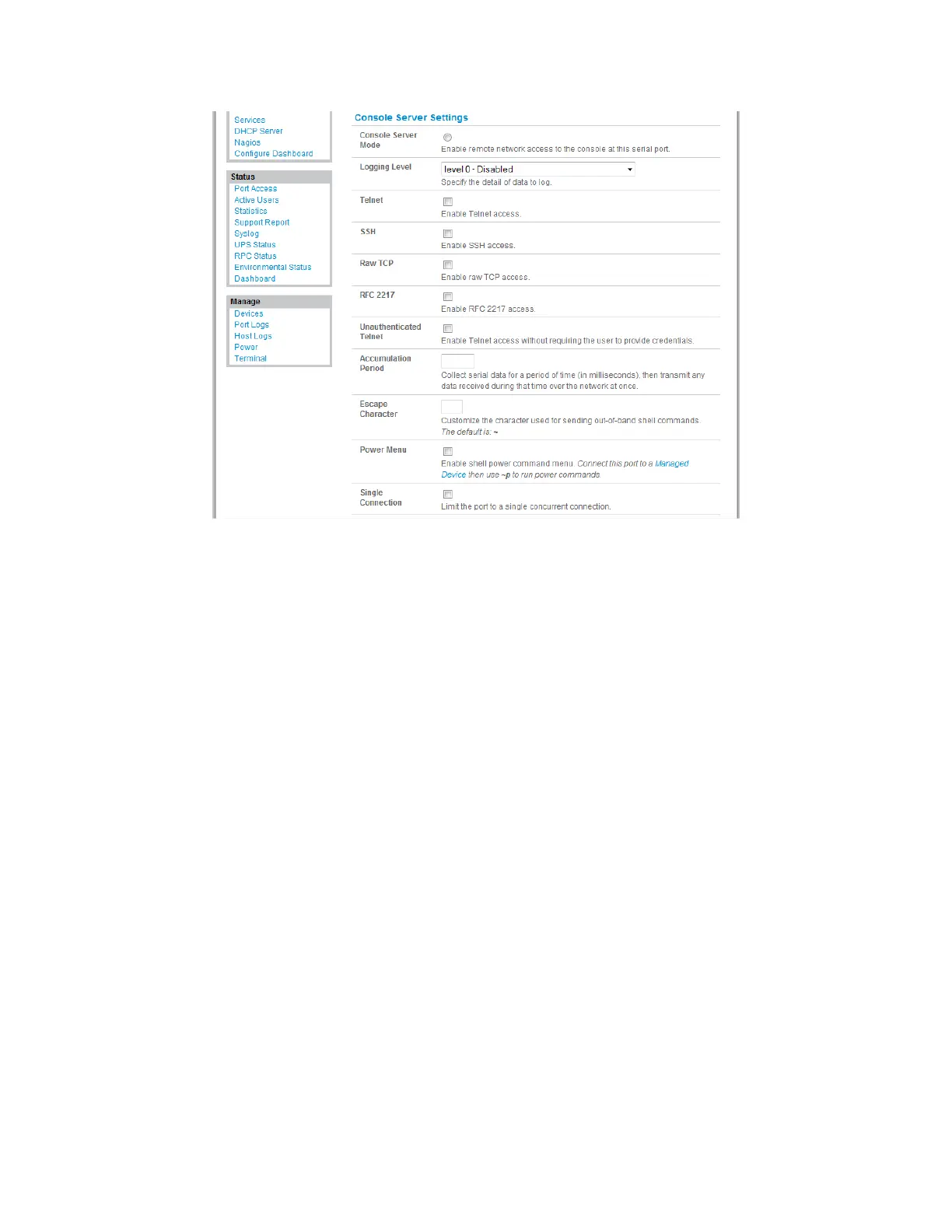
Logging Level This specifies the level of information to be logged and monitored (referto Chapter 7—
Alerts and Logging).
Telnet When the Telnet service is enabled on the console server, a Telnet client on a User or
Administrator’s computer can connect to a serial device attached to this serial port on the
console server. The Telnet communications are unencrypted, so this protocol is generally
recommended only for local connections.
With Win2000/XP/NT you can run telnet from the command prompt (cmd.exe). Vista and
Windows 7 include a Telnet client and server, but they are not enabled by default. To enable
Telnet:
Log in as Admin and go to Start/Control Panel/Programs and Features.
Select Turn Windows features on or off, check the Telnet Client, and click OK.











 To Next Page