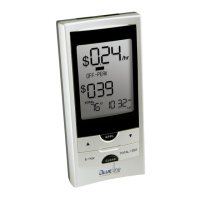
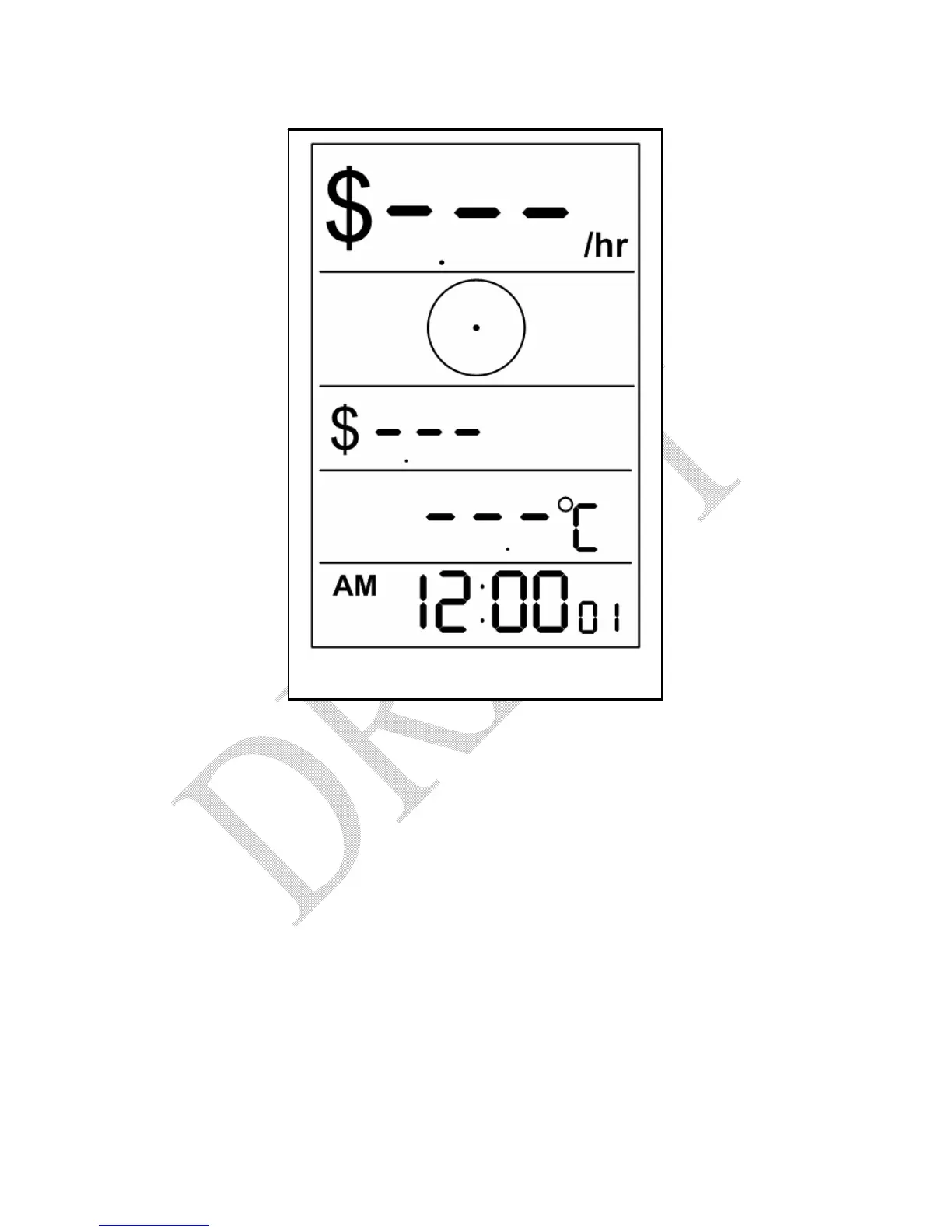
Figure 5.13 – Start-up Screen
5. To setup your display perform the steps in Sections 7.2 & 7.3 before
proceeding.
NOTE: You normally only need to synchronize your Display
and Sensor Units once. If you unplug your Display Unit
or replace the batteries, the system will start working
normally again when power is restored.


 To Next Page
 Loading...