JUST POWER ON 77
1
Wall drilling
Remove and install
AC terminal screws
Remove PV Terminals
stripping
2
Remove and install screws
Remove and install screws
Remove, install screws and cable
Cut the cable
Crimp grid, critical load
cable and CT extension cable
3
4
5
6
7
8
9
10
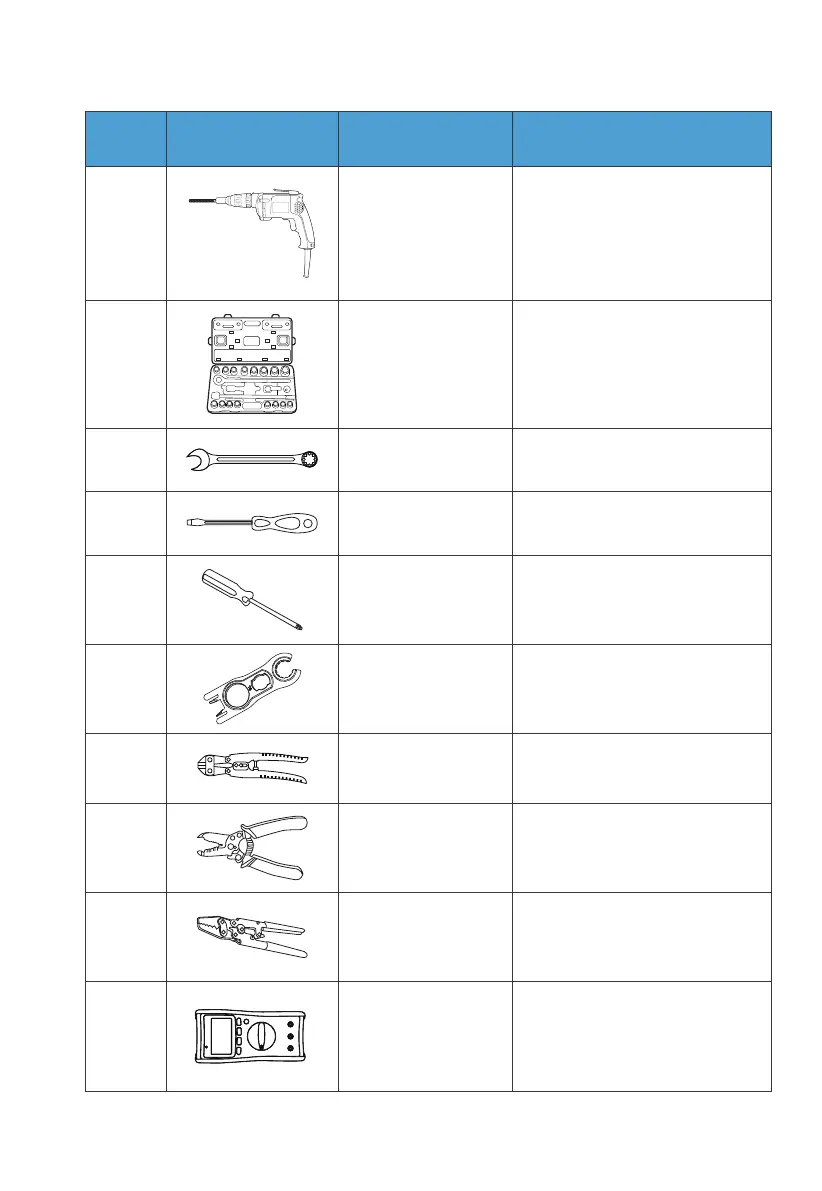
Electric drill machine
requires 8mm drill
Torque socket
wrench
Torque wrench
Flat screwdriver
4mm cross
screwdriver4mm
Removal tool
Cable cutters
Cable stripper
Crimp tool
Multimeter
(DC voltage range ≥
1000V DC )
No. DescriptionTools Picture Function
Check whether the cable
connection is correct, whether the
positive and negative poles of the
battery are correct, and whether
the grounding is reliable



 To Next Page