Blusens Web:tv
103
ENGLISH
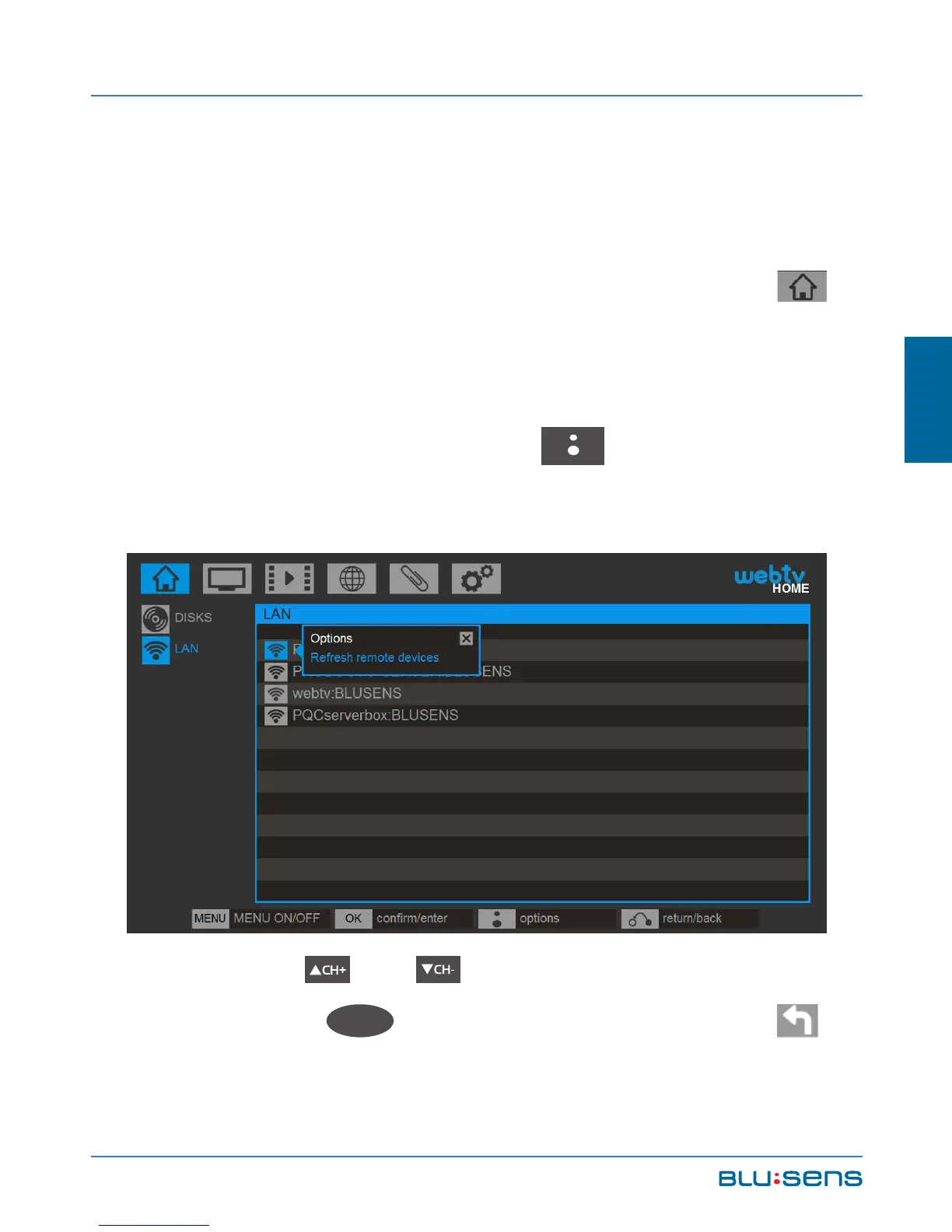
To access the devices connected to the local
network make sure you have configured access to it,
whether through ethernet cable or through wireless
connection (see chapter 4.2.2.2). Go to HOME/LAN
all multimedia servers connected to your network will
be displayed. To show the other devices connected to
the network press the BLUSENS button, to display
the options and select “Refresh remote devices list”.
Press the and buttons to navigate through
the folders, OK
OK
to access or play files, select .



 To Next Page