Blusens Web:tv
93
ENGLISH
Select it and press Play or OK
OK
to play it. To
play the entire contents of a folder, select it, press the
button and select “Play Folder”.
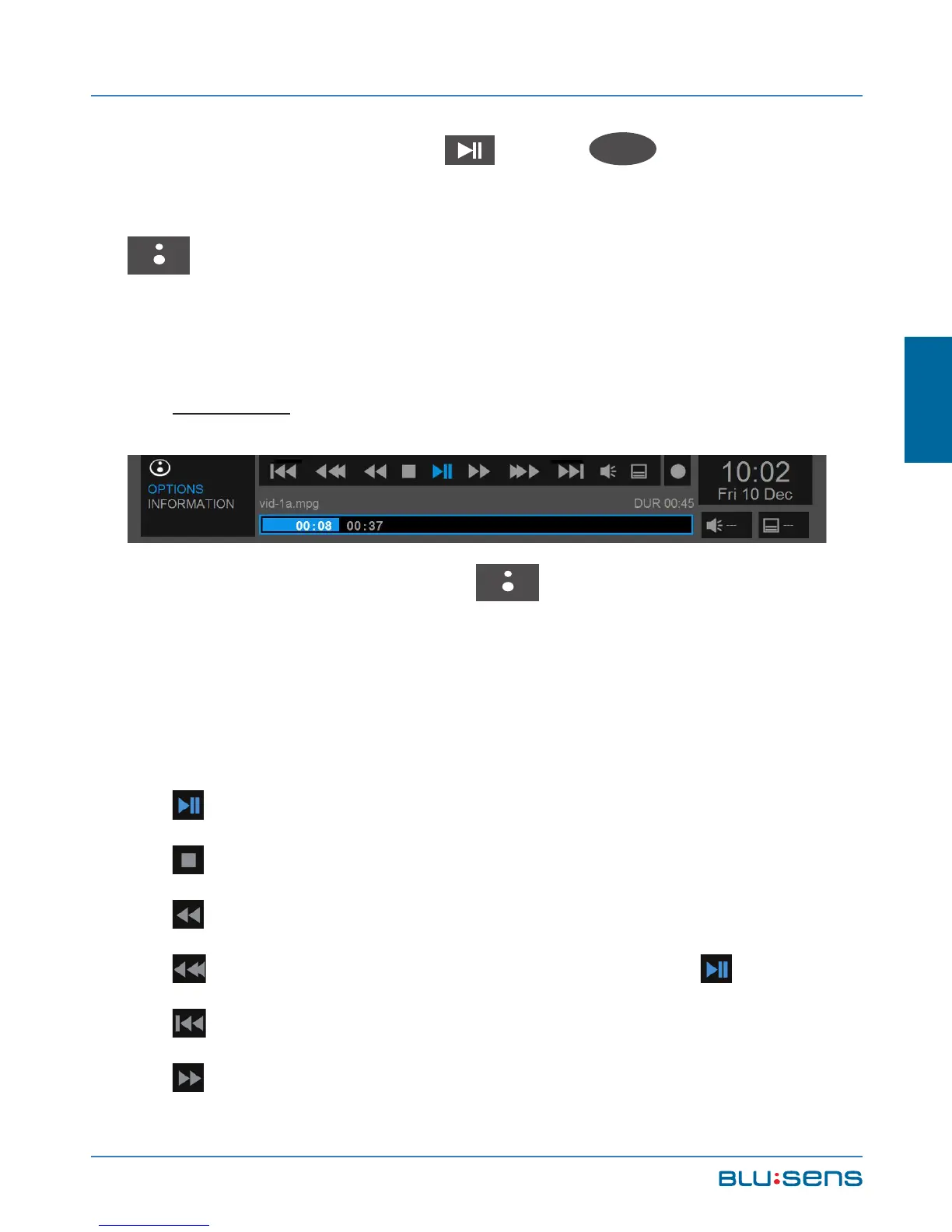
7.2.1. Shortcut menu
OPTIONS
Pressing the BLUSENS button while playing a
video file can show / hide the shortcut menu from which
you can view all file information as well as playback
options.
PLAY / PAUSE. Starts and pauses playback.
STOP. Stops playback.
RW. Fast rewind.
RW. Fast rewind in progress bar. Press to play.
RW. Previous track.
FF. Fast forward.



 To Next Page