Blusens Web:tv
99
ENGLISH
8. USB
8.1. Access, Navigation, Options
Your Web:tv allows you to connect storage devices
such as pendrives, hard disks, CD/DVD readers (read
only), etc... to front and rear USB ports.
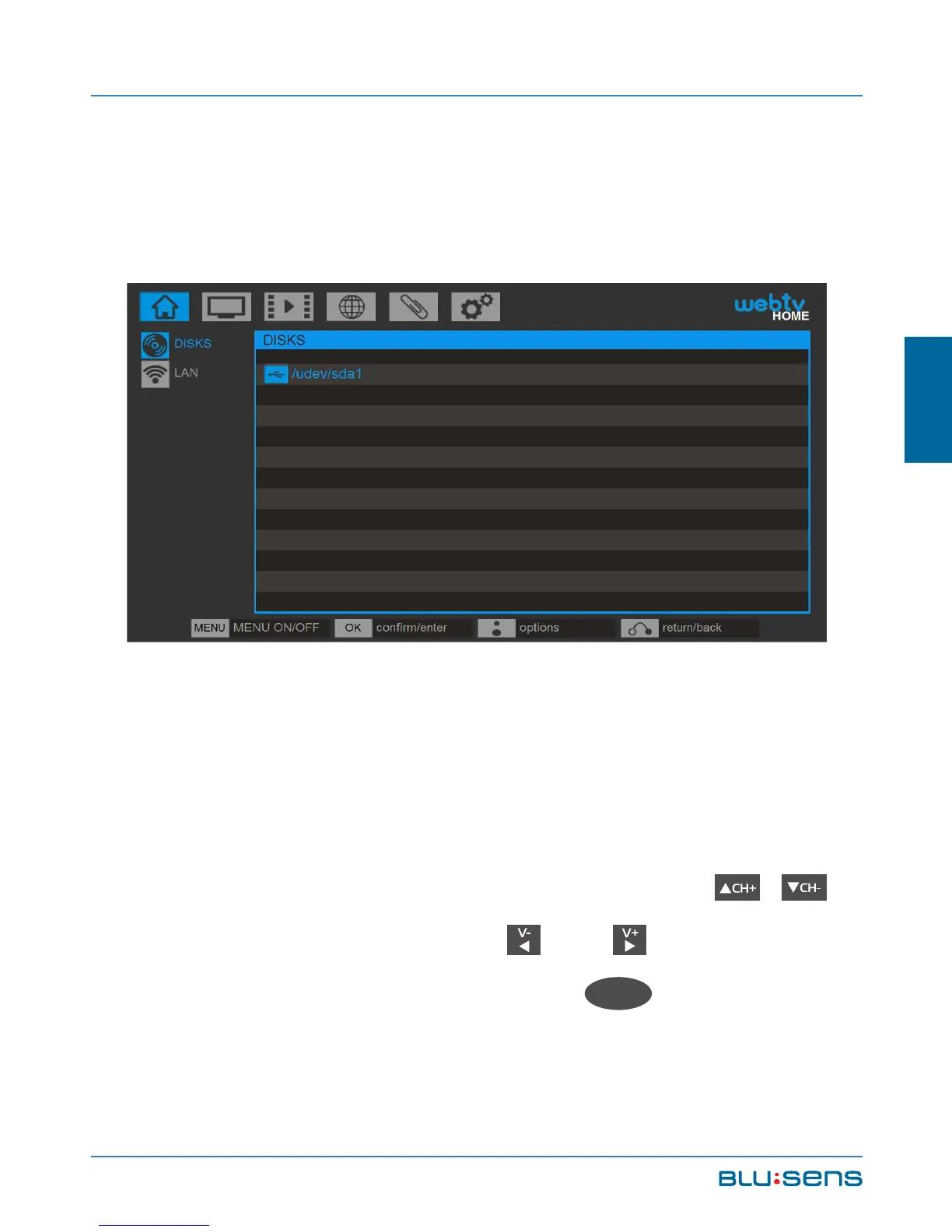
To access the devices connected to the USB ports of
your Web:tv go to HOME/DISCS. Press the ,
buttons to navigate through and folders or to
enter and exit the directories, OK
OK
to access or



 To Next Page