USER MANUAL
84
6.2.4.2.Scheduled Recording
6.2.4.2.1.Scheduled from Jobs
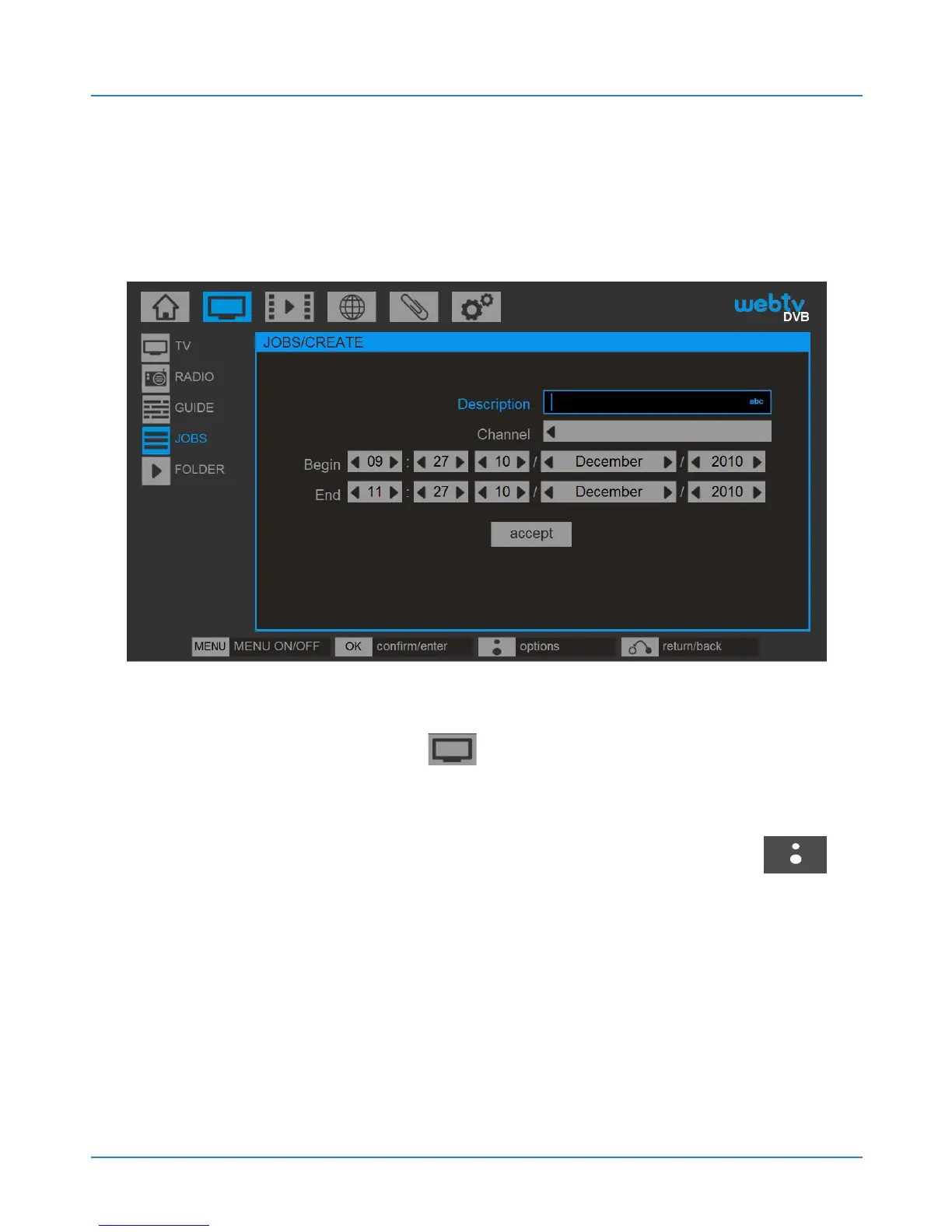
To schedule the recording of one channel and at a
time go to DTV / JOBS to create a new scheduled
task. If there are no tasks, the system gives us a new
one. If there is any task press the BLUSENS
button and select CREATE NEW. In both cases a screen
opens to configure the recording. Enter a name for the
recording. Select the channel you want to record, set
the date and time to start and end the recording, select



 To Next Page