USER MANUAL
66
To stop recording just press the STOP button in
the shortcut menu or the remote control.
6.1.5.2.Scheduled Recording
6.1.5.2.1.Scheduled from jobs
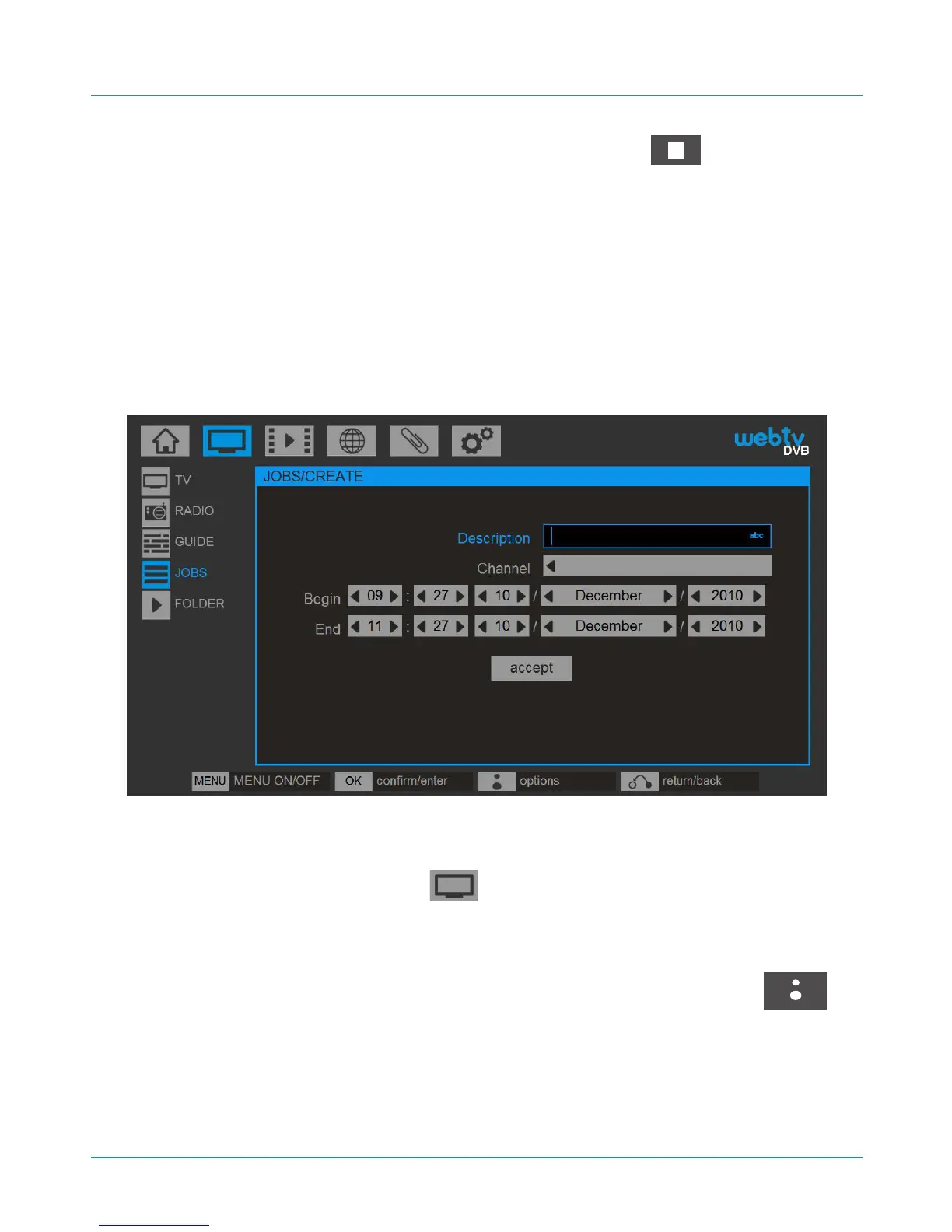
To schedule the recording of one channel and at a
time go to DVB / JOBS to create a new scheduled
task. If there are no tasks, the system gives us a new
one. If there is any task press the BLUSENS
button and select CREATE NEW.



 To Next Page