Blusens Web:tv
77
ENGLISH
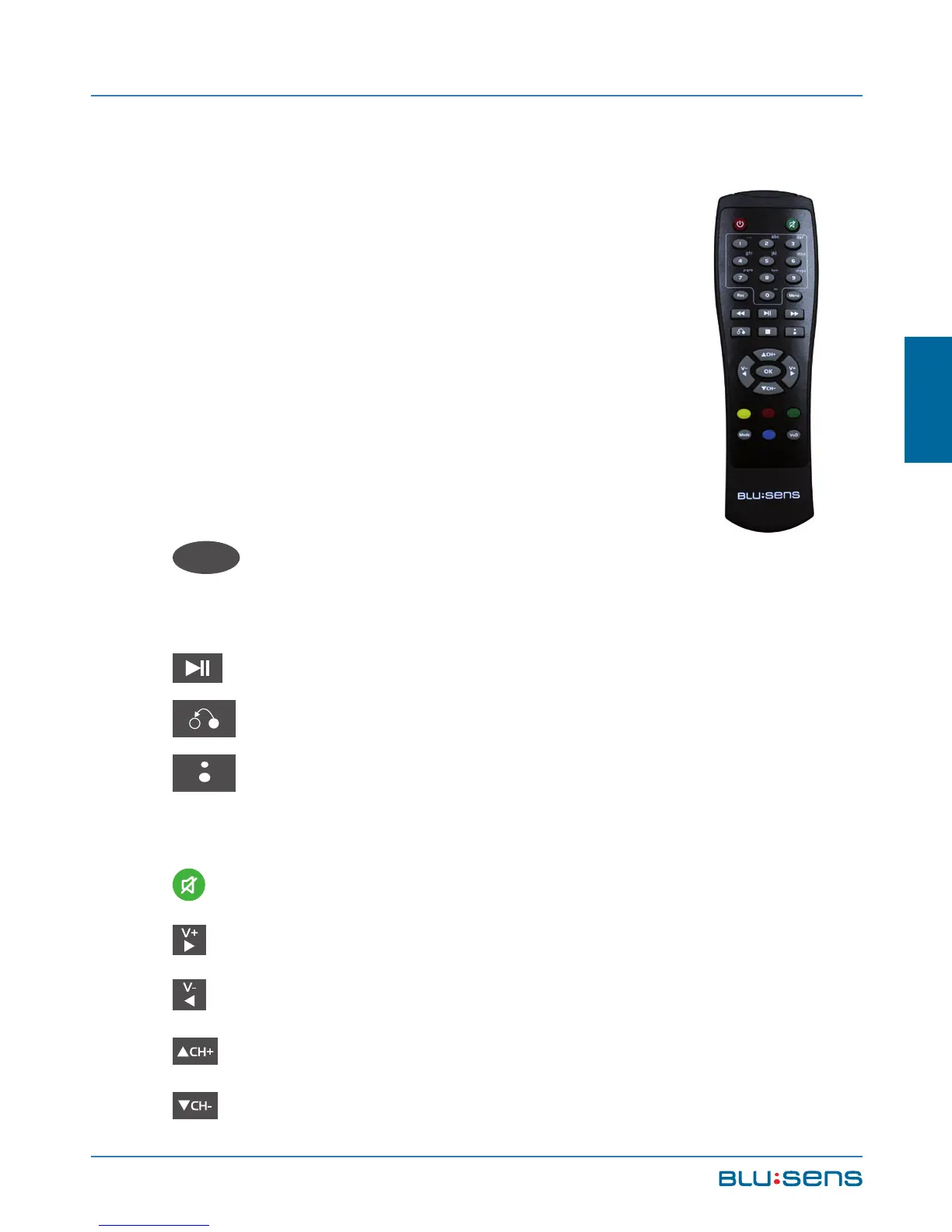
6.2.2.1.Remote Control Options
While listening to a Radio channel you
can perform the following functions from
the remote control:
While viewing a DTV TV channel you can
perform the following functions from the
remote control:
OK
OK. Displays channel list. Select a
channel and press OK to listen it.
PLAY / PAUSE. Activates timeshift (see 6.1.4).
: Return to the previous channel.
: Shows/Hides the shortcut menu (see chapter
6.2.2.2)
MUTE: Mutes the device.
V+: Increase volume.
V-: Decrease volume.
CH+: Next channel.
CH-: Previous channel.



 To Next Page