Blusens Web:tv
69
ENGLISH
6.1.5.2.2.Scheduled from the Program
Guide.
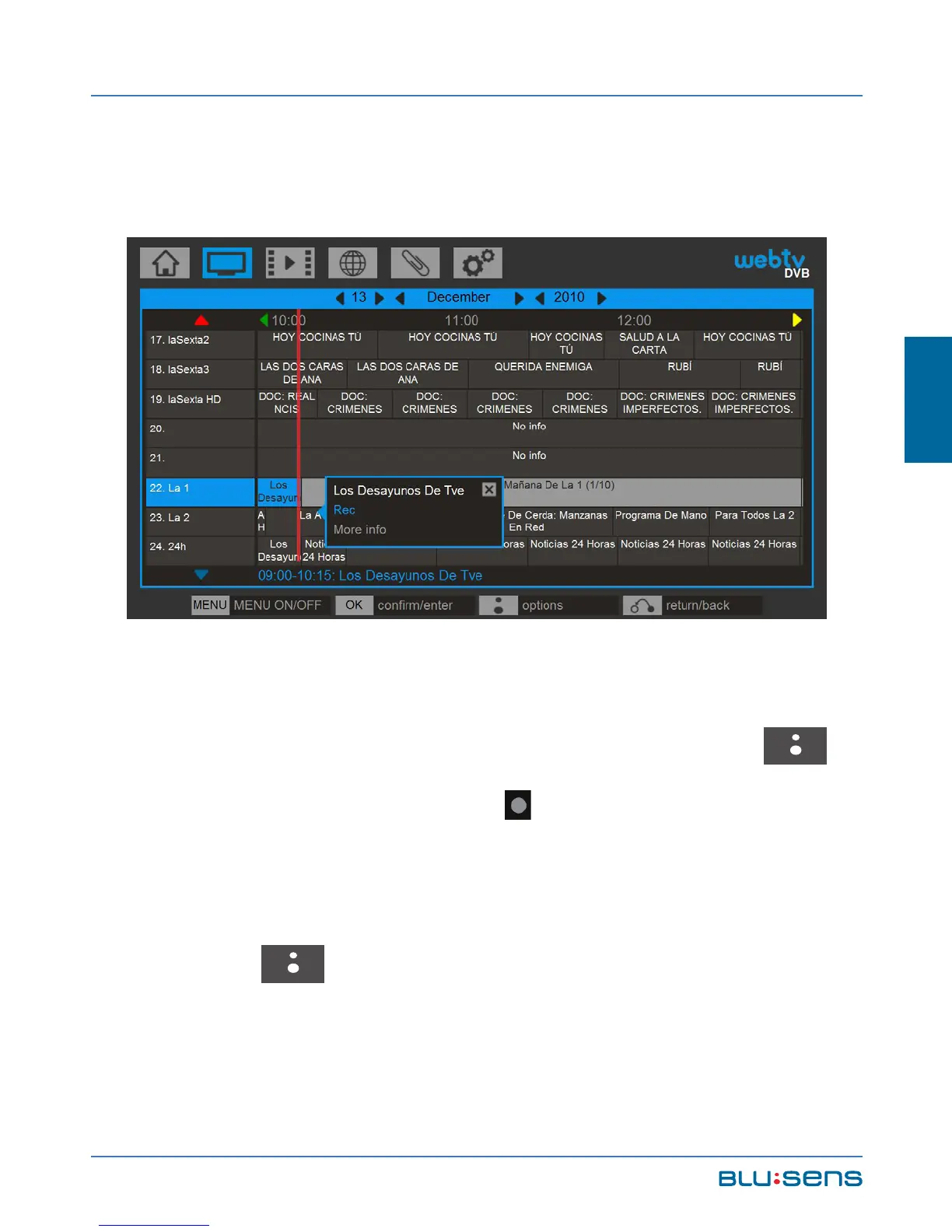
To record a particular program go to DVB / GUIDE
(EPG), select the program you want to record, moving it
using the navigation keys. Press the BLUSENS
button and select RECORD . The schedule of the
recording will automatically go to the JOBS list. To
change a task go to DVB/JOBS. Select it, press the
BLUSENS button and select edit.



 To Next Page