USER MANUAL
58
REC
: Starts recording the channel being viewed.
Each press increases the recording time.
MENU
: Shows/hides the main menu.
Numeric keypad: Changes the channel number.
MODE
: Changes the aspect ratio (4:3/16:9).
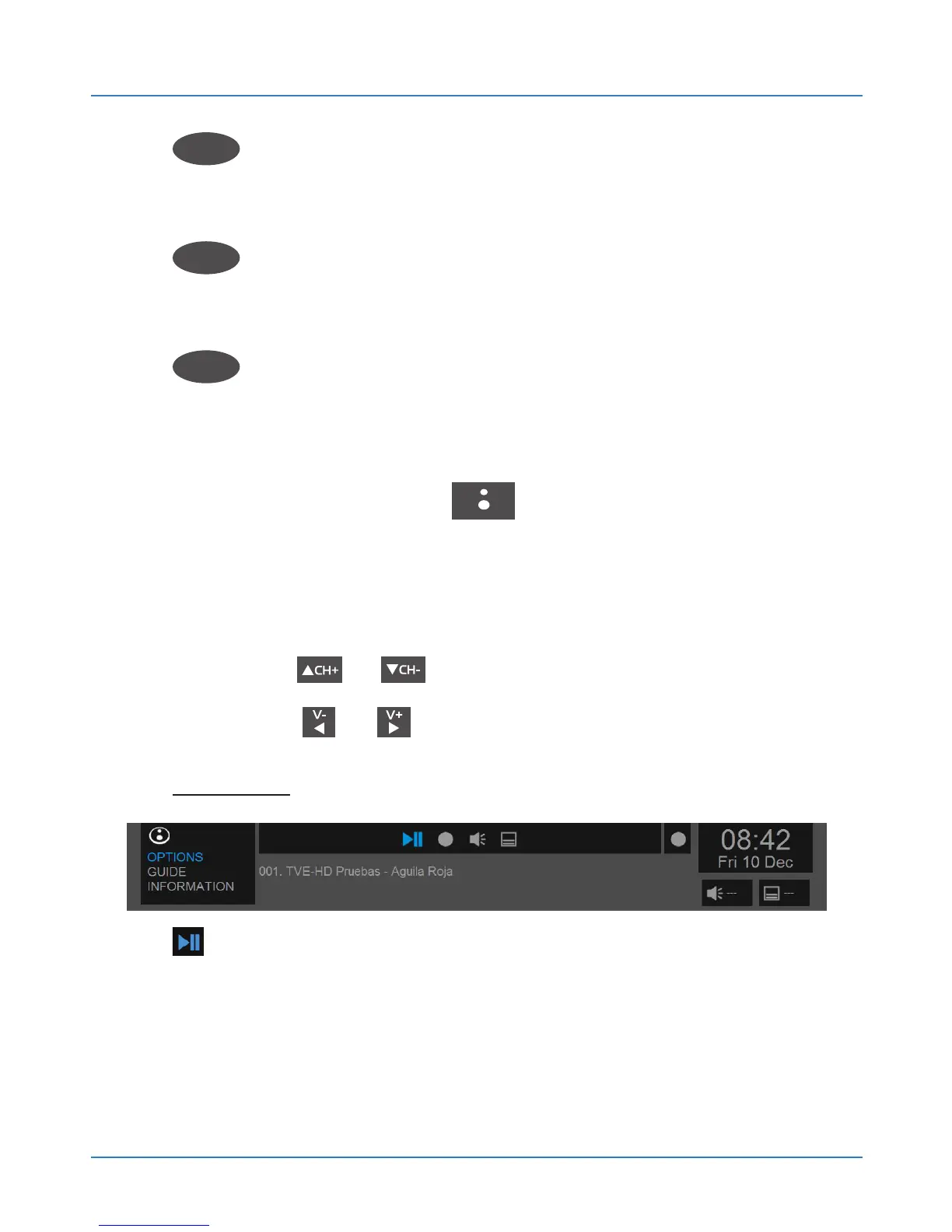
6.1.2.2.Shortcut Menu options
Press the BLUSENS button while viewing a
DTV channel to display the shortcut menu at the top of
the screen.
Press the or buttons to manage the different
sections and or to select the options.
OPTIONS:
PLAY / PAUSE. Activates the Timeshift function
(see chapter 6.1.4).



 To Next Page