USER MANUAL
36
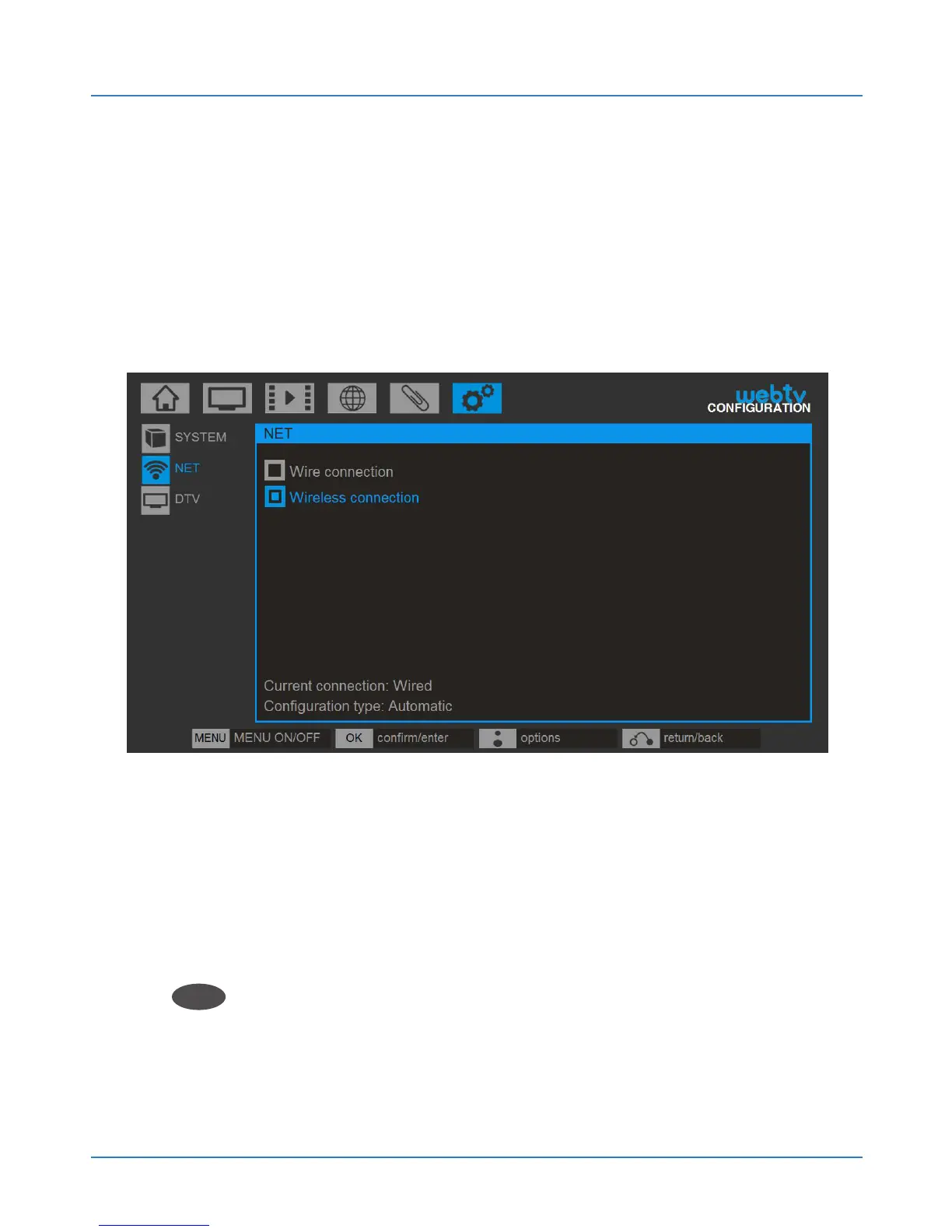
4.2.2.2.Wireless internet connection
Web: tv automatically detects available wireless
networks and connects to them after entering the
password.
To configure the wireless connection type select
WIRELESS CONNECTION.
In the ESSID field select the wifi network you want
to connect using the left and right arrow keys, and click
OK
OK
.



 To Next Page