Blusens Web:tv
83
ENGLISH
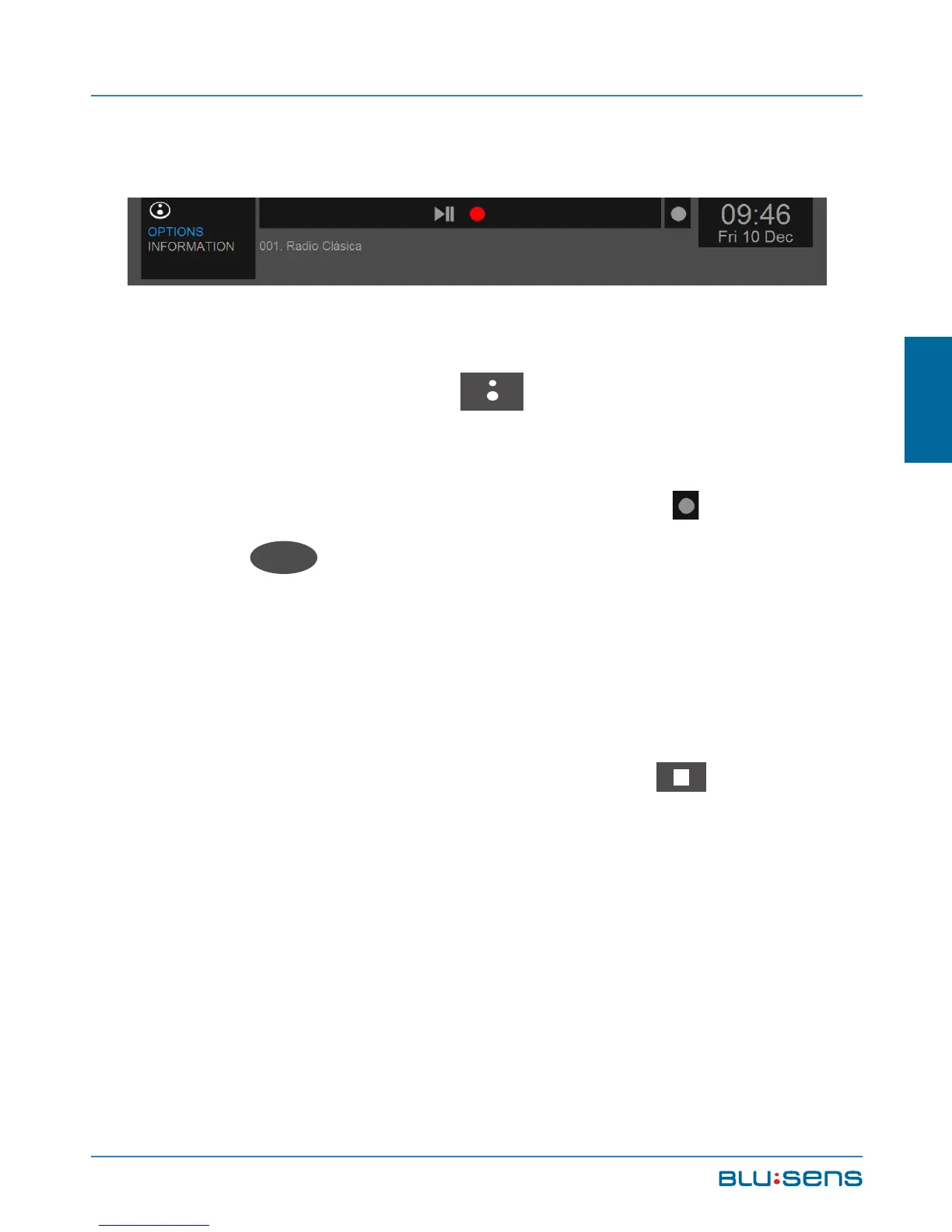
6.2.4.1.2.From the shortcut menu
To directly record from a channel from the current
time press the BLUSENS , button, while listening
to the desired channel, to display the SHORTCUT
MENU. In OPTIONS select the RECORD icon and
press OK
OK
. From this point your Web:tv will record
that channel during the selected time period (1 press:
30 minutes; 2 presses: 60 minutes, 90, 120, 180, 240,
480 minutes; off).
To stop recording just press the STOP button in
the shortcut menu or the remote control.



 To Next Page