USER MANUAL
40
Select CONFIGURATION/SYSTEM to change the
following operating system parameters of your Web:tv:
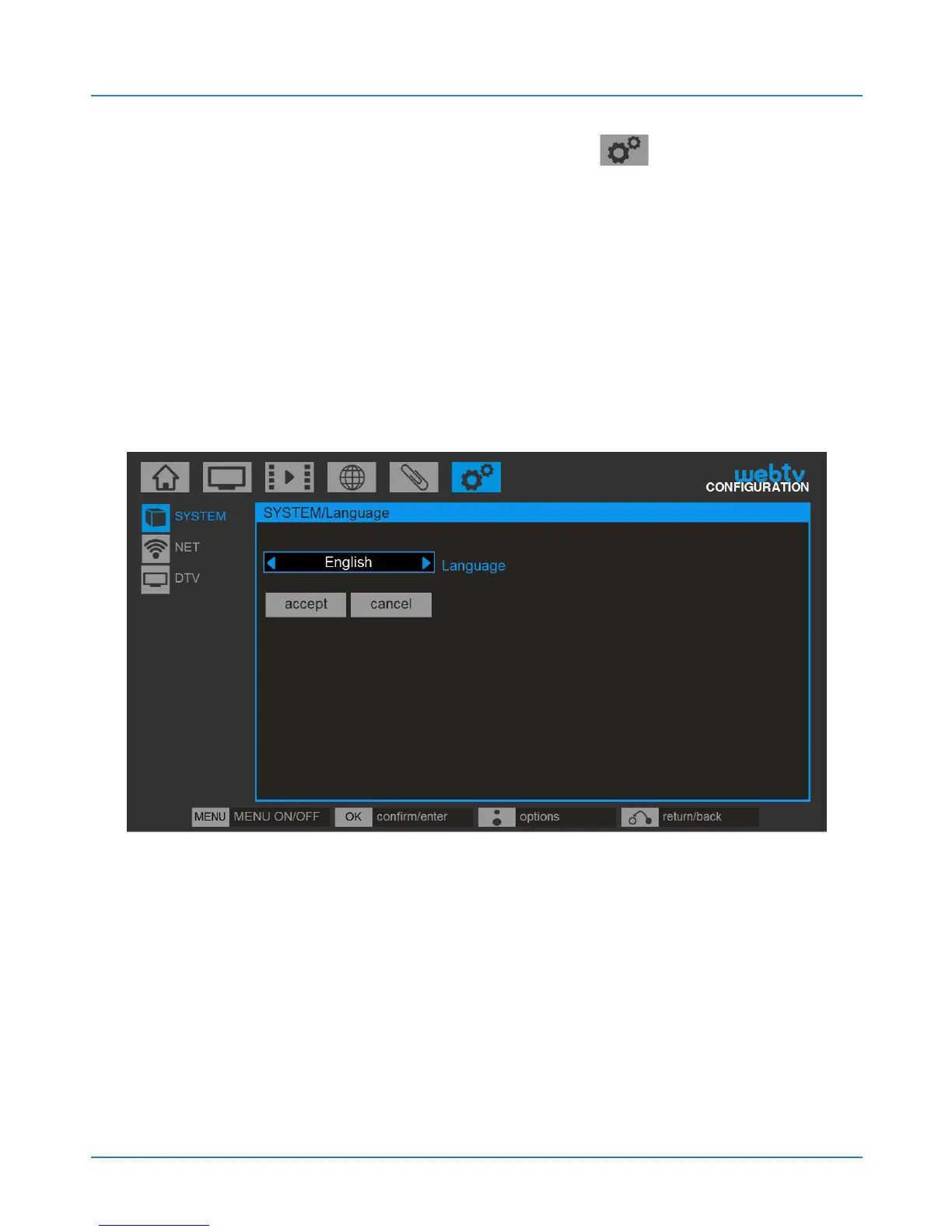
4.2.3. Language settings
Select the desired language for the system menus
from the available options.
4.2.4. Output configuration
Access this option to configure the video and audio
output.



 To Next Page