Blusens Web:tv
39
ENGLISH
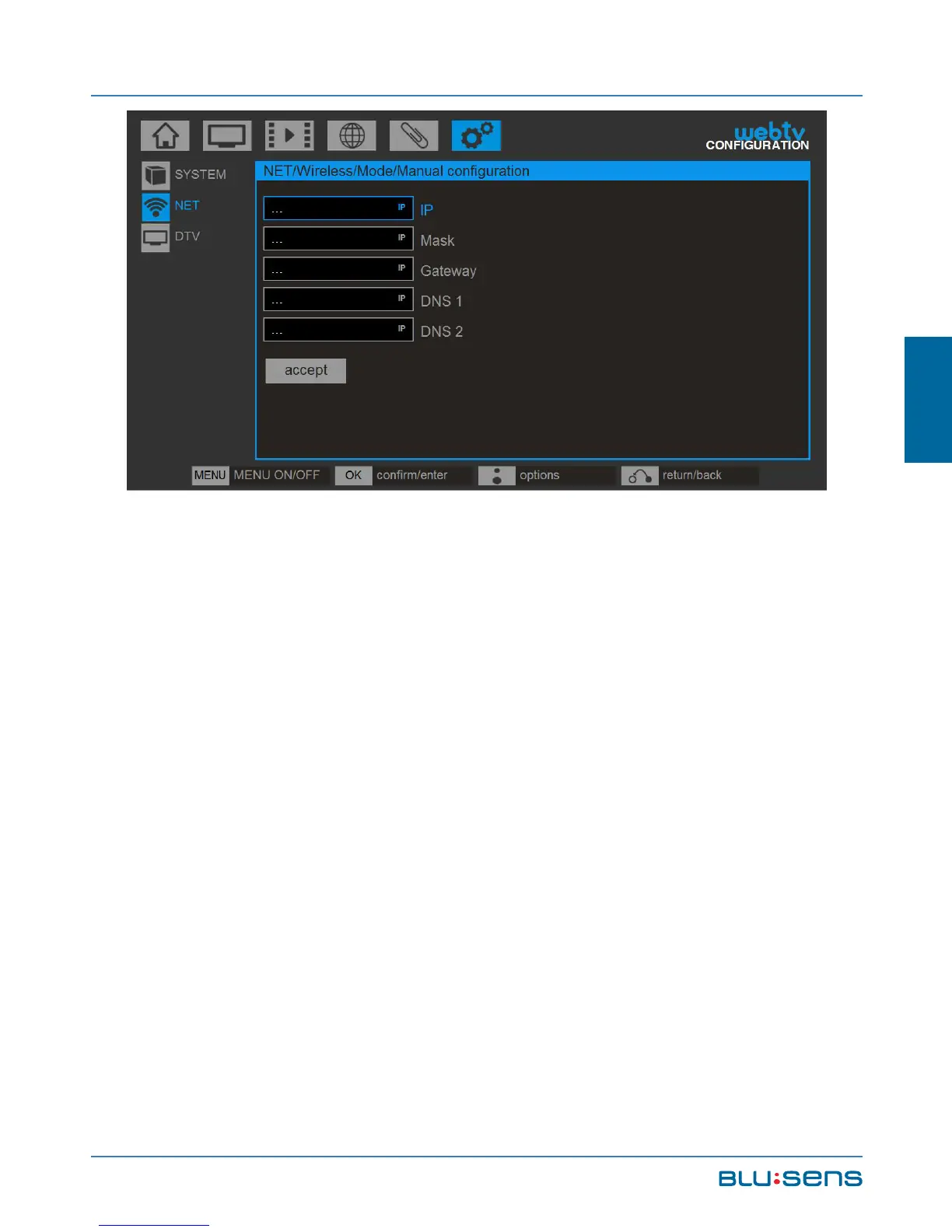
NOTE: All fields are required. If you only have one
DNS you can complete the DNS2 field with the same
data as DNS1.
NOTE: To switch between lowercase, uppercase
and numbers, press the UP key. To delete a character
press the LEFT key .
In any type of connection, in case of error in the
configuration or wrong key, the system displays a
warning.



 To Next Page