USER MANUAL
38
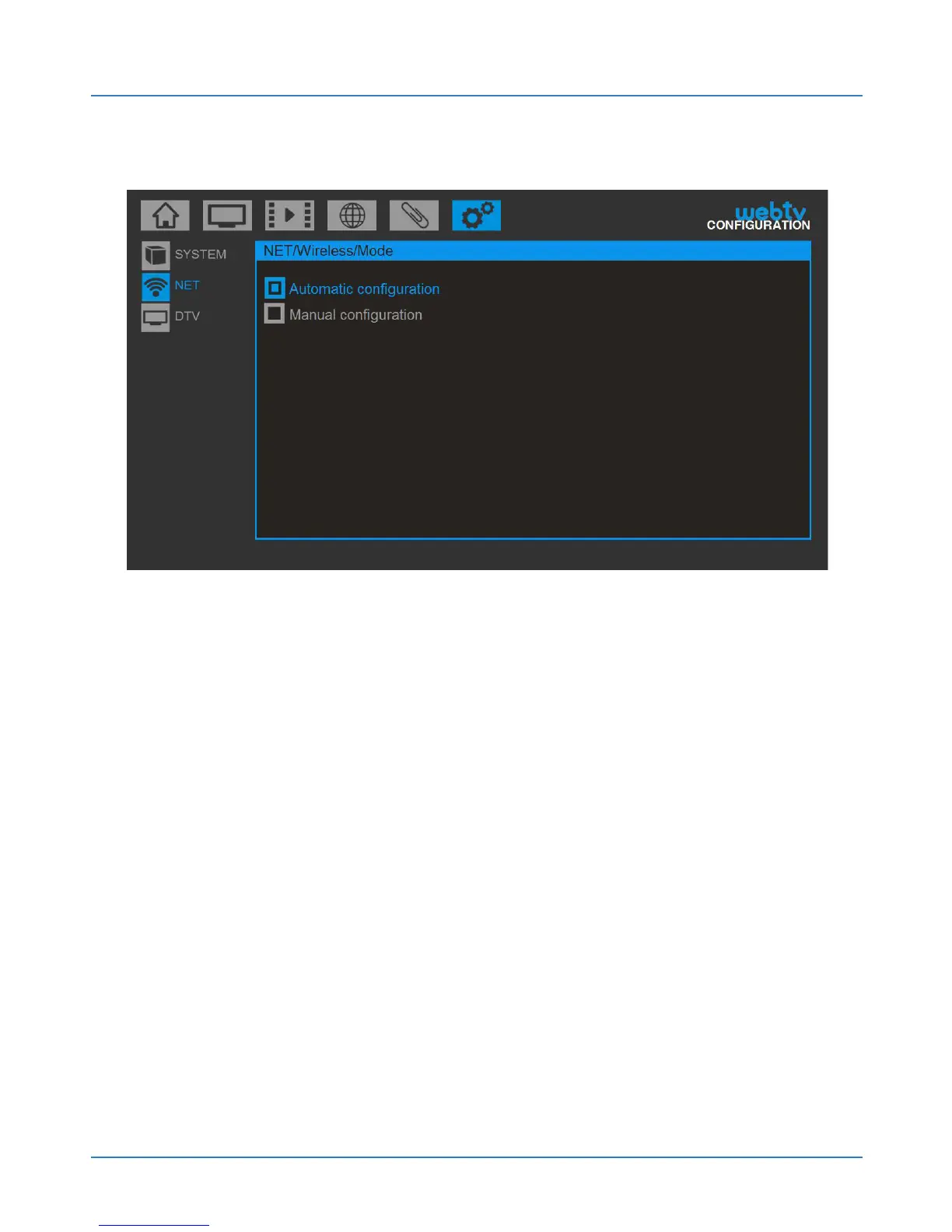
Then press Next and you will see the two possible:
Automatic configuration (recommended). Select
this option if your router has the DHCP server enabled
(enabled by default on most routers). Your Web:tv will
automatically configure the Internet connection.
Manual configuration (advanced users). Select this
option to configure the network parameters yourself.
Manually enter the IP, subnet mask, gateway and DNS,
password, etc.



 To Next Page