Blusens Web:tv
41
ENGLISH
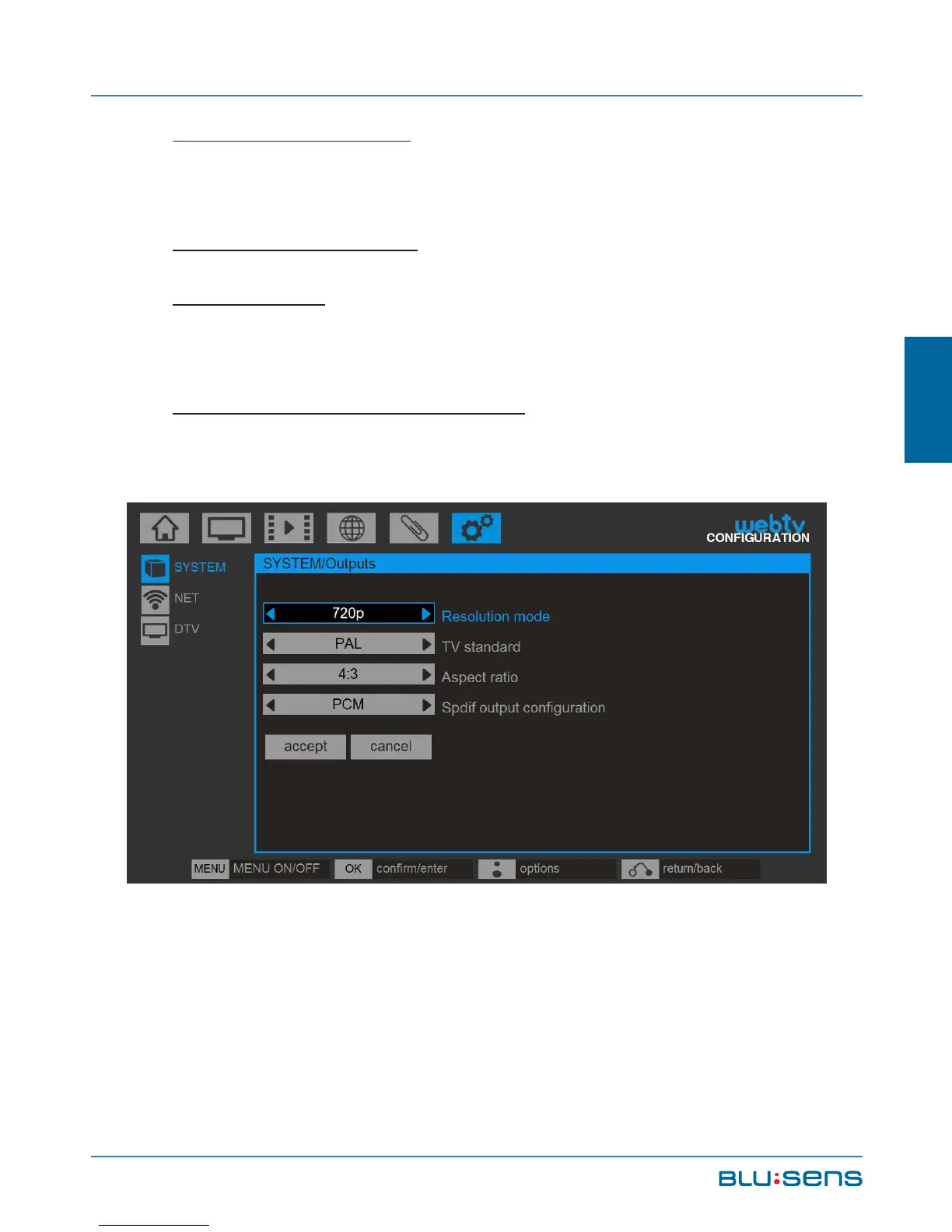
Resolution mode: Select the most appropriate
resolution for your screen.
Television standard: Select the television input.
Aspect ratio: Select the most appropriate aspect for
your screen, 16:9 or 4:3.
SPDIF output configuration: Set the desired mode
for digital audio output.
4.2.5. Restore factory settings
Select this option to restore the default settings
on your system. This operation will erase the channel,
date, language, ... configuration but not the recordings



 To Next Page