Blusens Web:tv
97
ENGLISH
7.3.1. Menu Contextual
OPCIONES
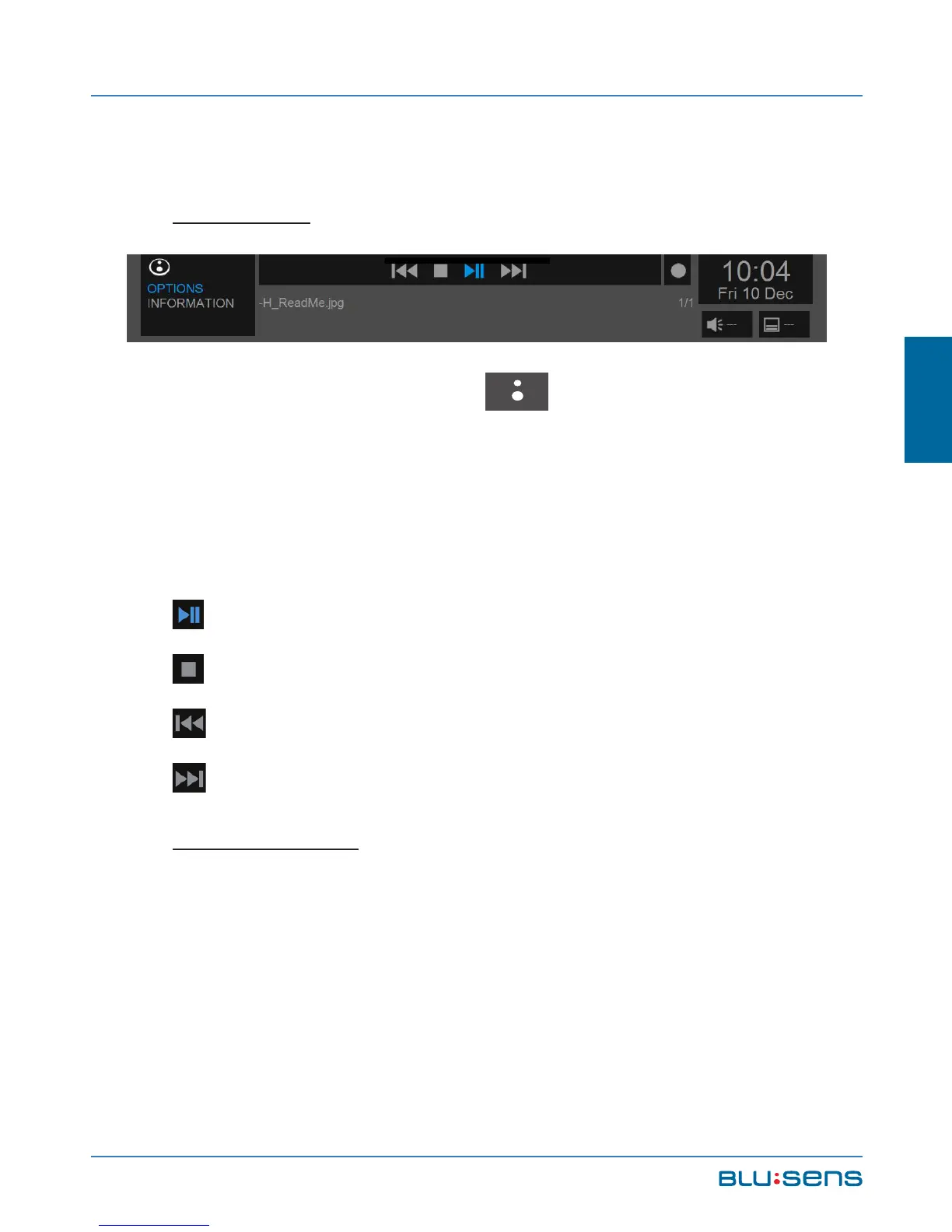
Pressing the BLUSENS button while viewing
an image file can show / hide the shortcut menu from
which you can view all file information as well as
playback options.
PLAY / PAUSE. Starts and pauses the display.
STOP. Stops the display.
RW. Previous image.
FF. Next image.
INFORMATION
Displays information about image formats and size.



 To Next Page