USER MANUAL
48
/ uppercase / numbers press the UP key. To delete a
character press the LEFT key.
5.3. Updating Web:TV
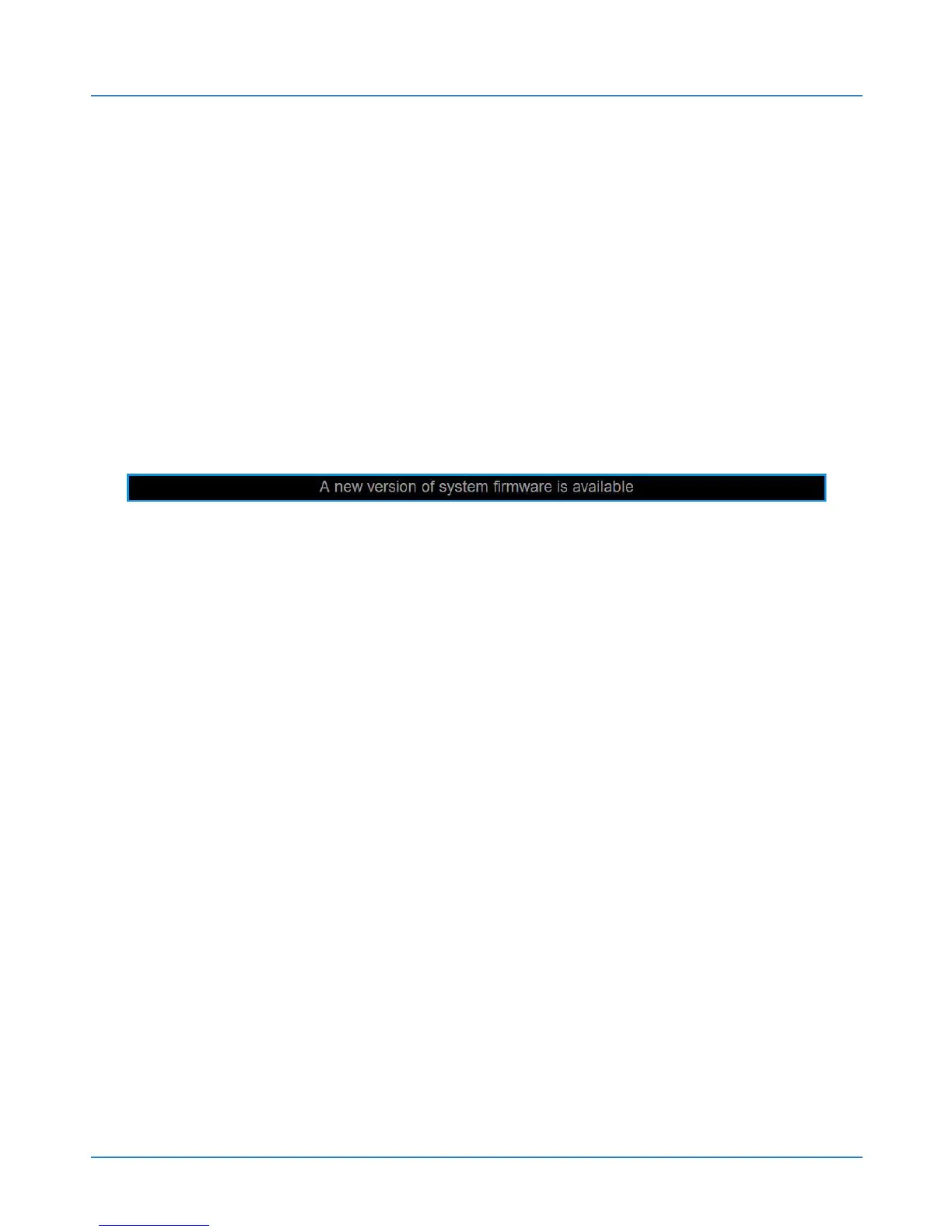
The system automatically detects if there is a new
update and prompts you with a notice such as in the
figure on the availability of the upgrade.
This notice will be displayed every time you turn
on Web:tv until they interact. Go to CONFIGURATION /
SYSTEM / FIRMWARE UPDATE to update the firmware.
Confirm the operation to initialize the update.



 To Next Page