Blusens Web:tv
149
ENGLISH
procedure can cause serious damage to the system so
it is recommended that you follow the directions.
14.1. Automatic update
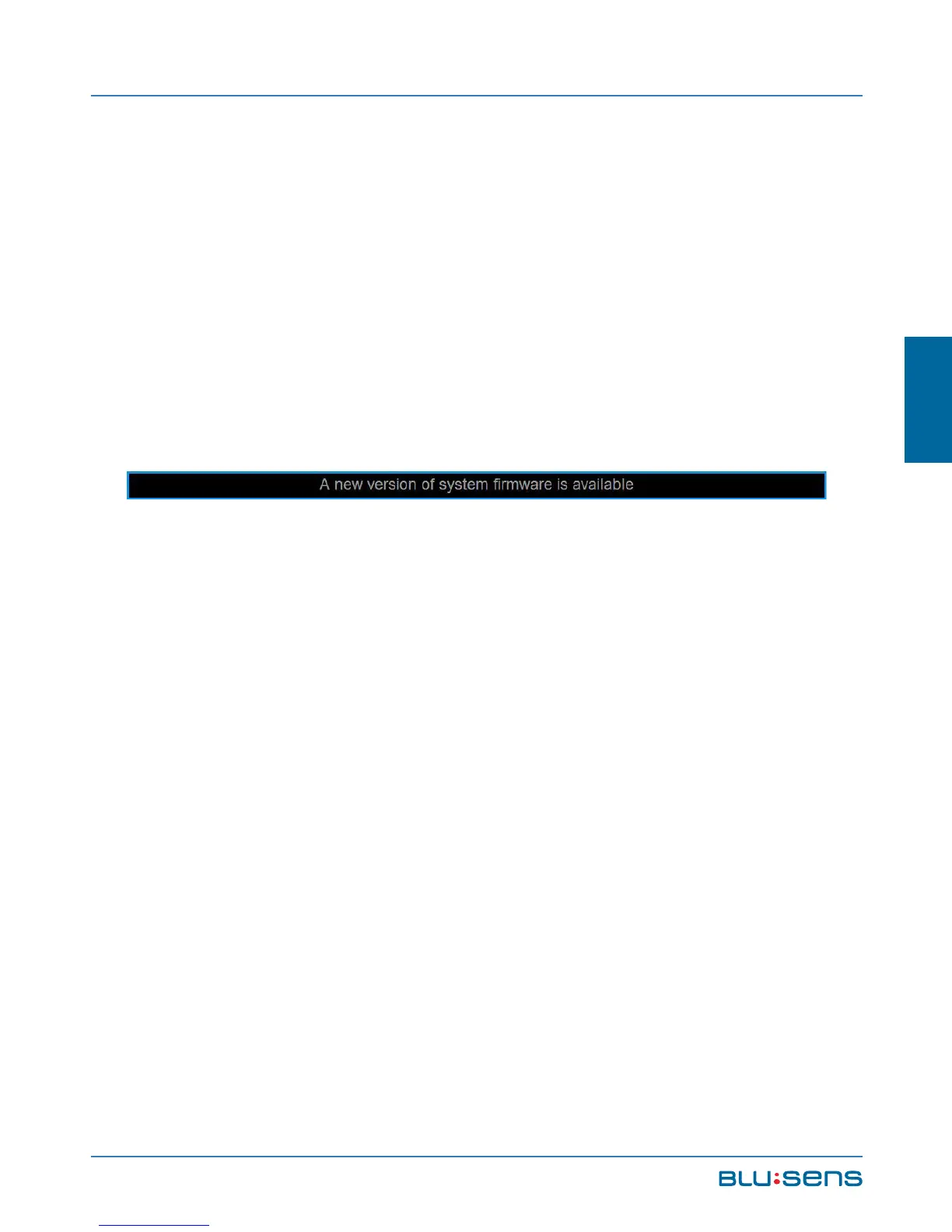
The system automatically detects if there is a new
update and prompts you with a notice such as in the
figure on the availability of the upgrade.
The notice will be displayed until you interact
with the system. Go to CONFIGURATION / SYSTEM /
FIRMWARE UPDATE. Confirm the operation to initialize
the update.



 To Next Page