USER MANUAL
150
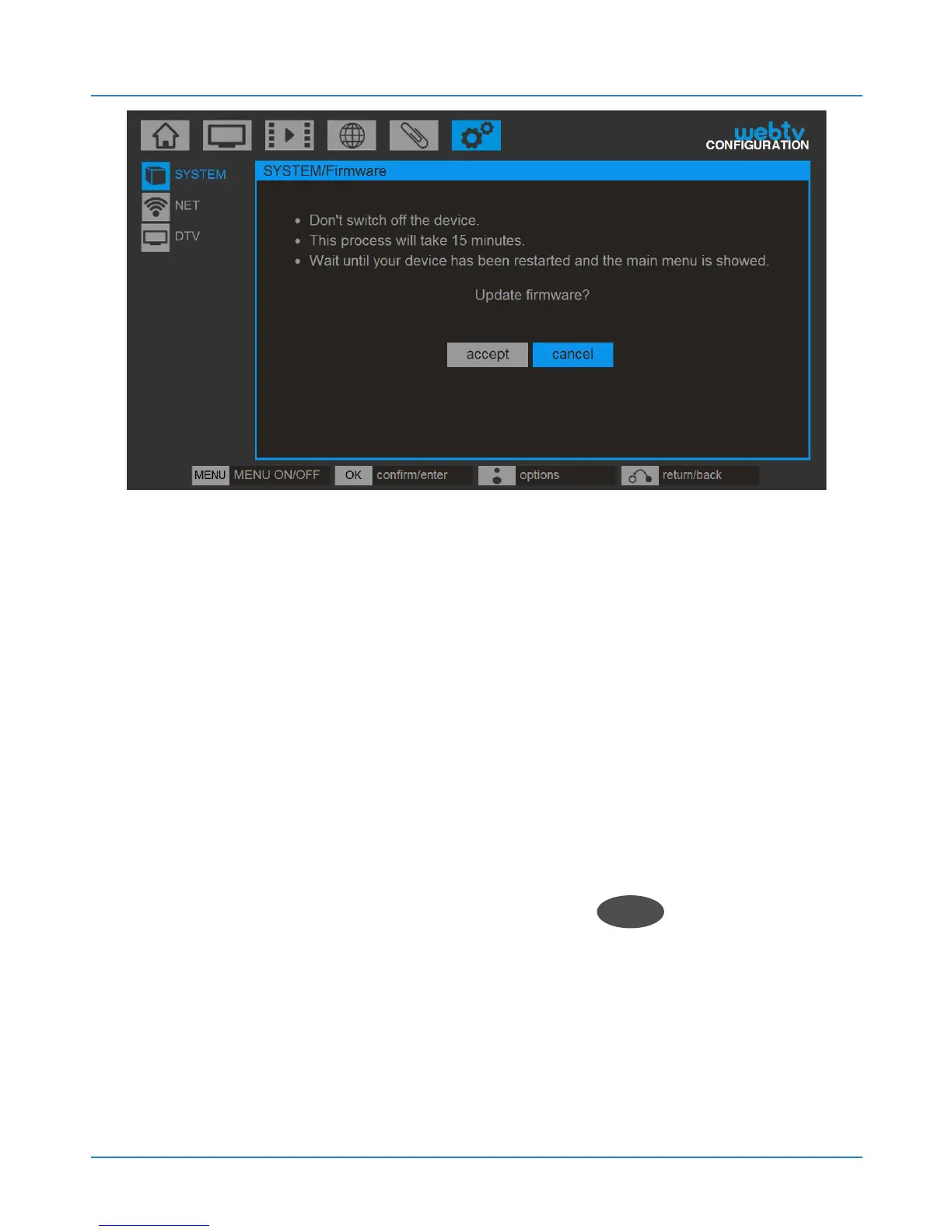
14.2. Update from USB
You must first download the latest firmware version
from the Blusens webpage www.blusens.com/webtv,
in the Downloads section from a computer and save it
in a USB device that you should subsequently connect
to your Web:tv.
You must then access the USB device and select the
new firmware stored in it. Press OK
OK
to begin the
update.



 To Next Page