USER MANUAL
96
7.3. Viewing Photos
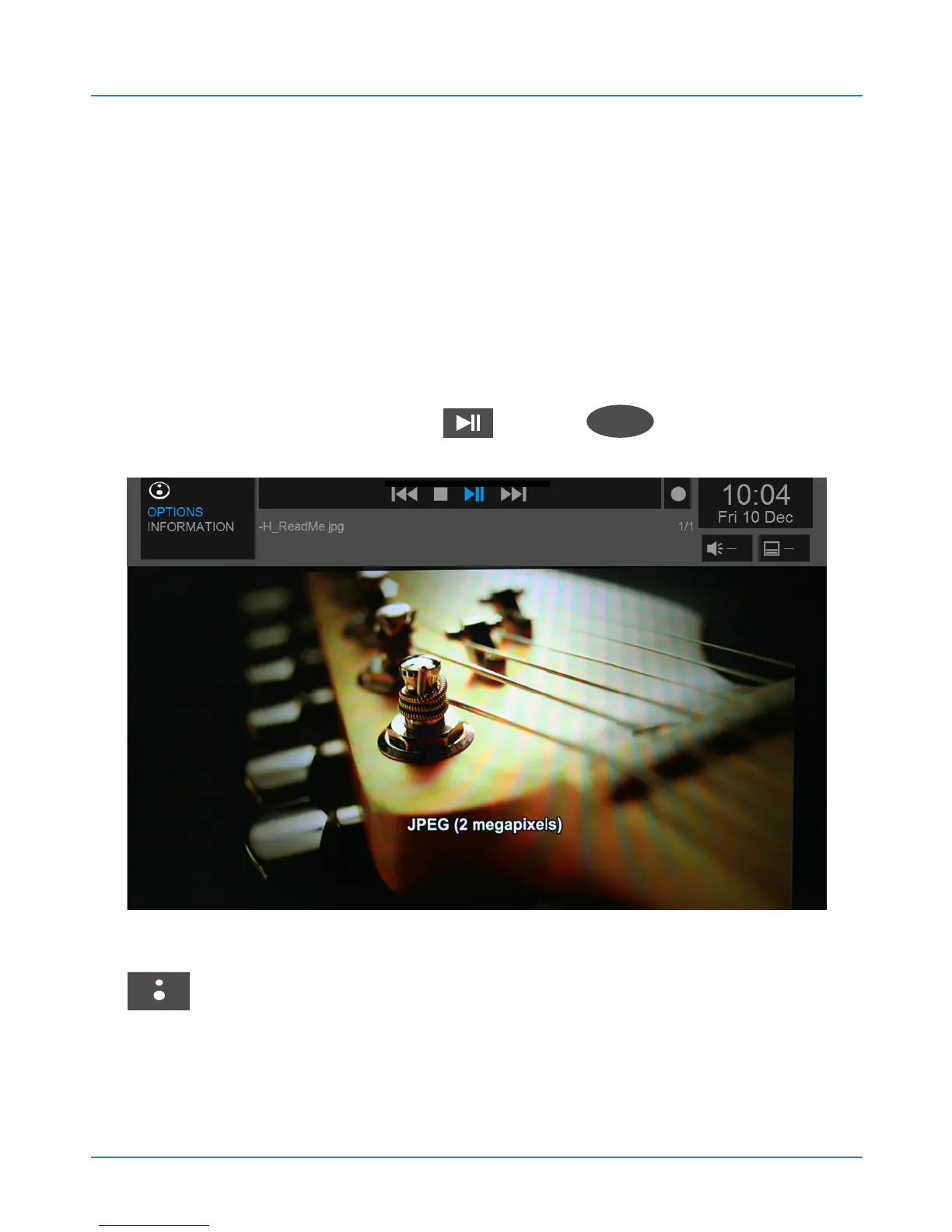
Your Web:tv lets you view image files in many
formats. To view a file go to its location, either a USB
disk (HOME / DISCS) or a local network device (HOME /
LAN). Browse through the device to find the desired file.
Select it and press Play or OK
OK
to view it. To
view the entire contents of a folder, select it, press the
button and select “Play Folder”.



 To Next Page