Blusens Web:tv
35
ENGLISH
Automatic configuration (recommended). Select
this option if your router has the DHCP server enabled
(enabled by default on most routers). Your Web:tv will
automatically configure the Internet connection.
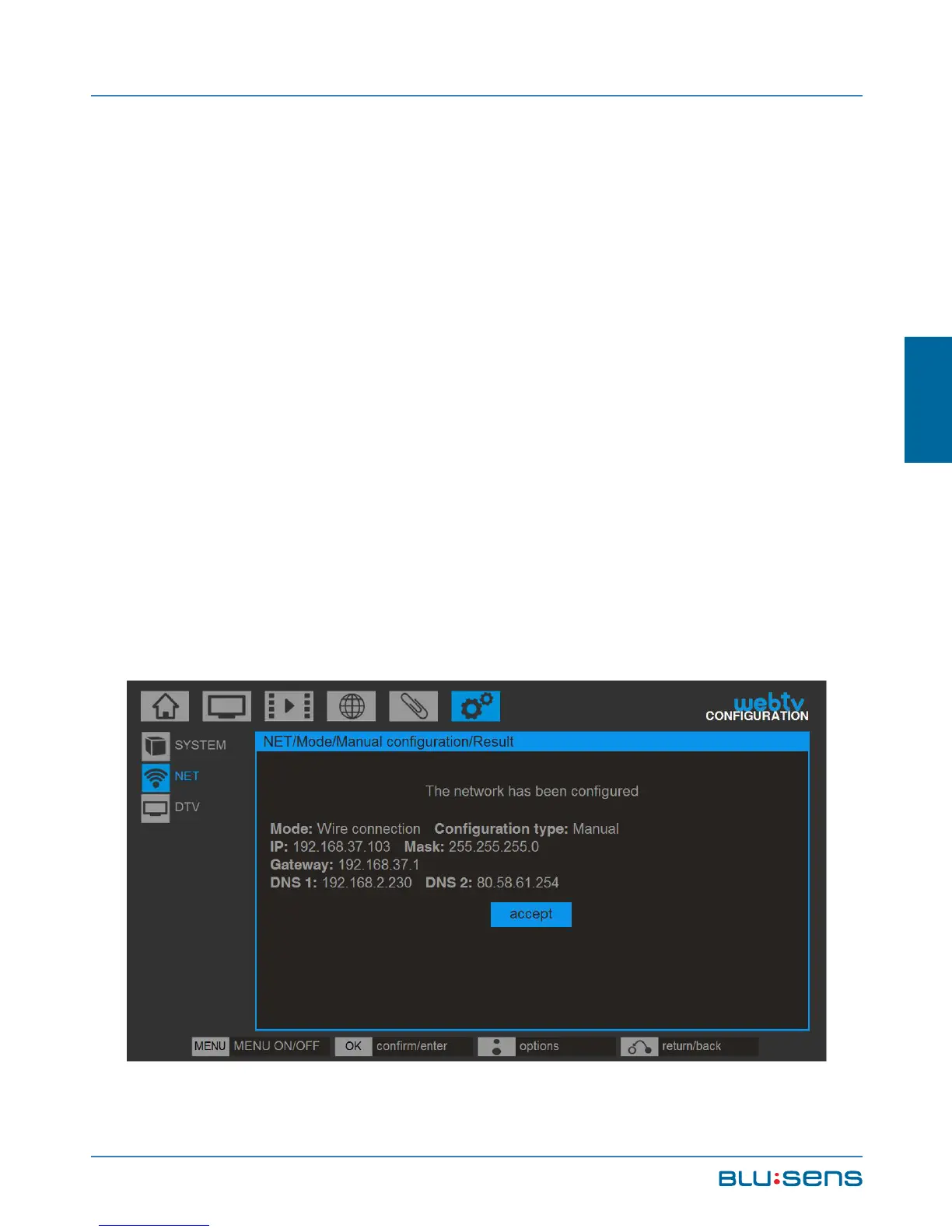
Manual configuration (advanced users). Select this
option to configure the network parameters yourself.
Manually enter the IP, subnet mask, gateway and DNS.
NOTE: All fields are required. If you only have one
DNS you can complete the DNS2 field with the same
data as DNS1.



 To Next Page