Blusens Web:tv
67
ENGLISH
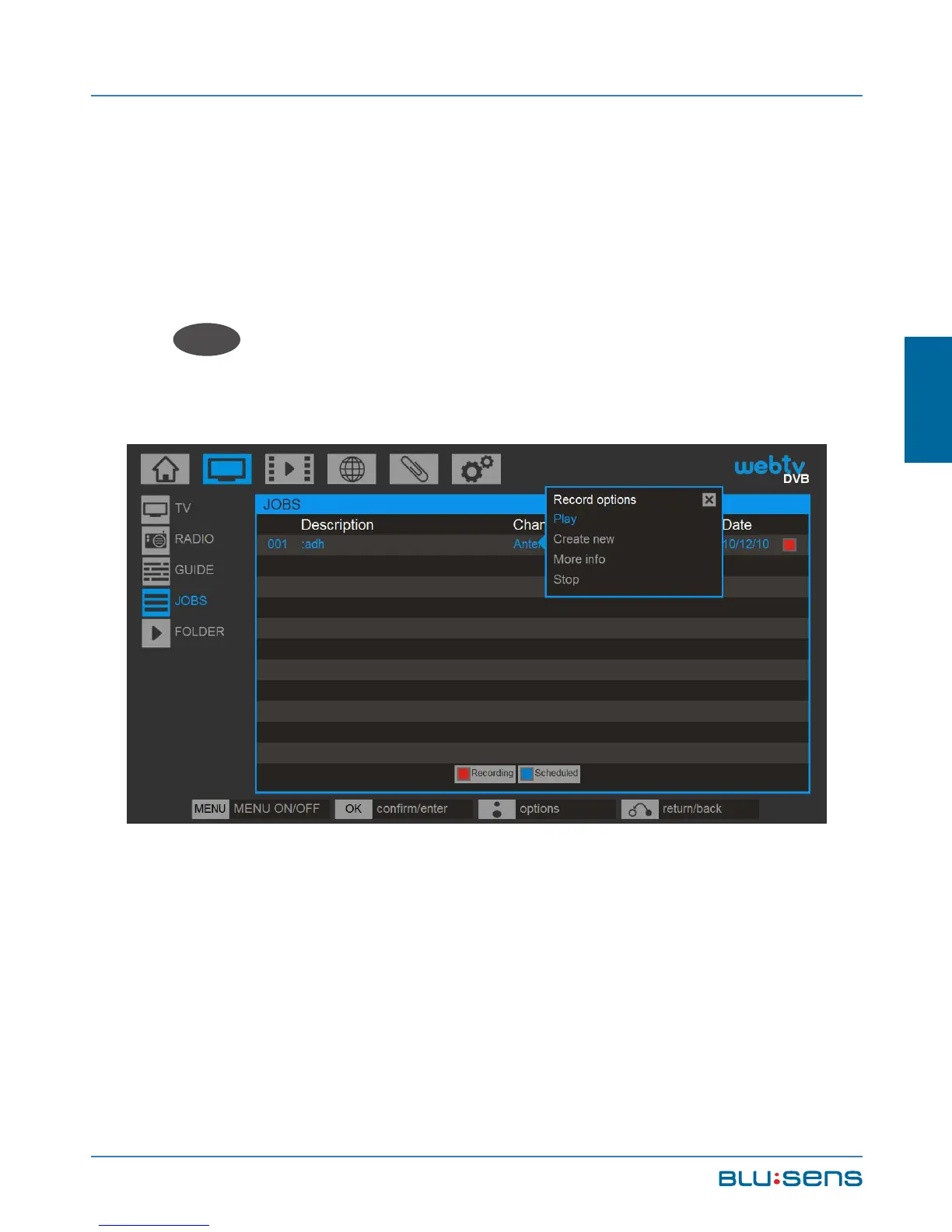
In both cases a screen opens to configure the
recording. Enter a name for the recording. Select the
channel you want to record, set the date and time to
start and end the recording, select ACCEPT and press
OK
OK
, a new task will be added to the existing task
list.
Your Web:tv will automatically record even if it is on
Standby. If you are viewing a different channel Web:tv
will automatically change to the channel to be recorded.



 To Next Page