Blusens Web:tv
113
ENGLISH
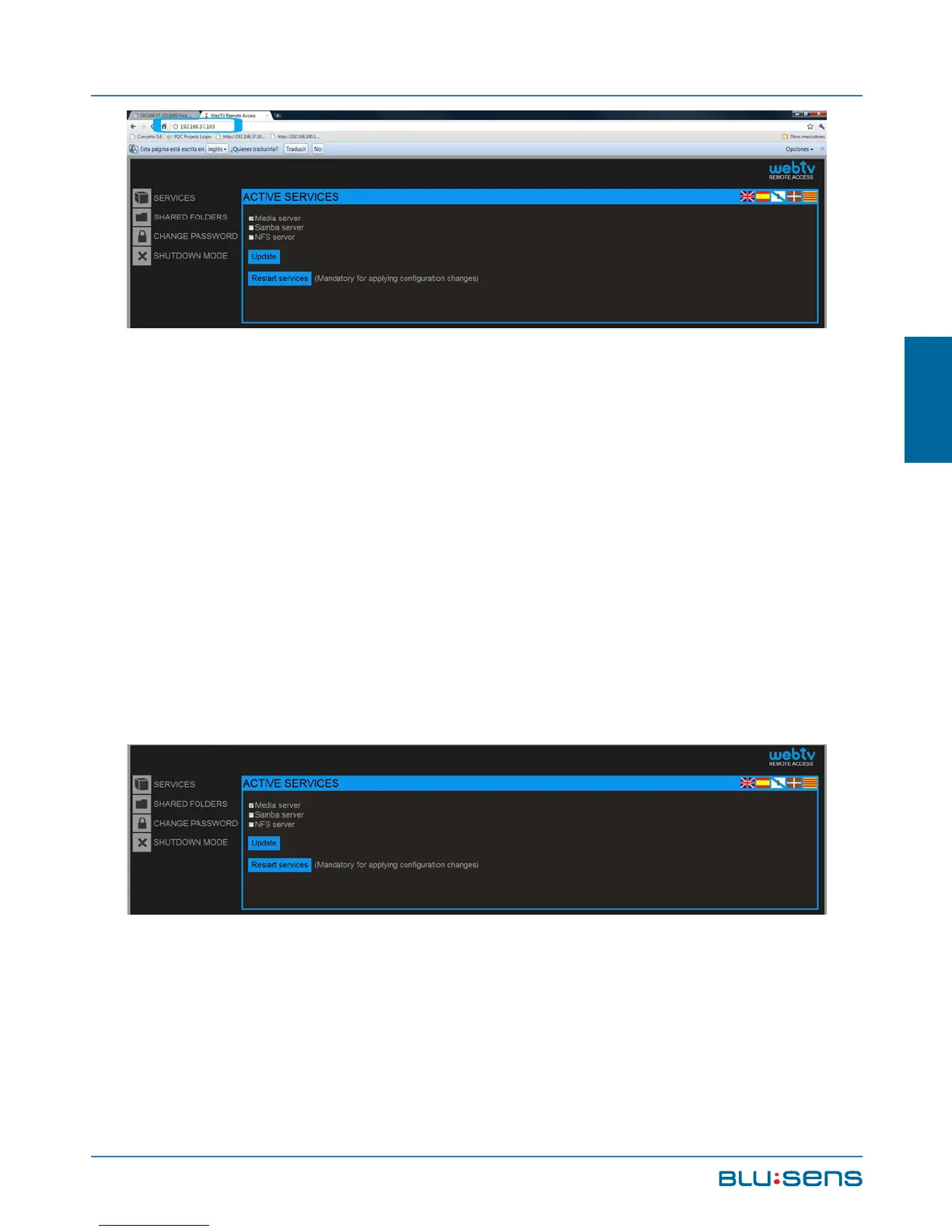
NOTE: The access data to the web interface are:
User: admin; Password: 1234, to change the access
password select the “Change password” option.
Services: This option allows you to enable or disable
the services available in your Web:tv (see Chapter 10).
Select the activation of the servers that suit you most
and press “Restart Services”.



 To Next Page