Blusens Web:tv
127
ENGLISH
Press the key of the remote or select in the
shortcut menu to activate the Timeshift function on the
channel being viewed.
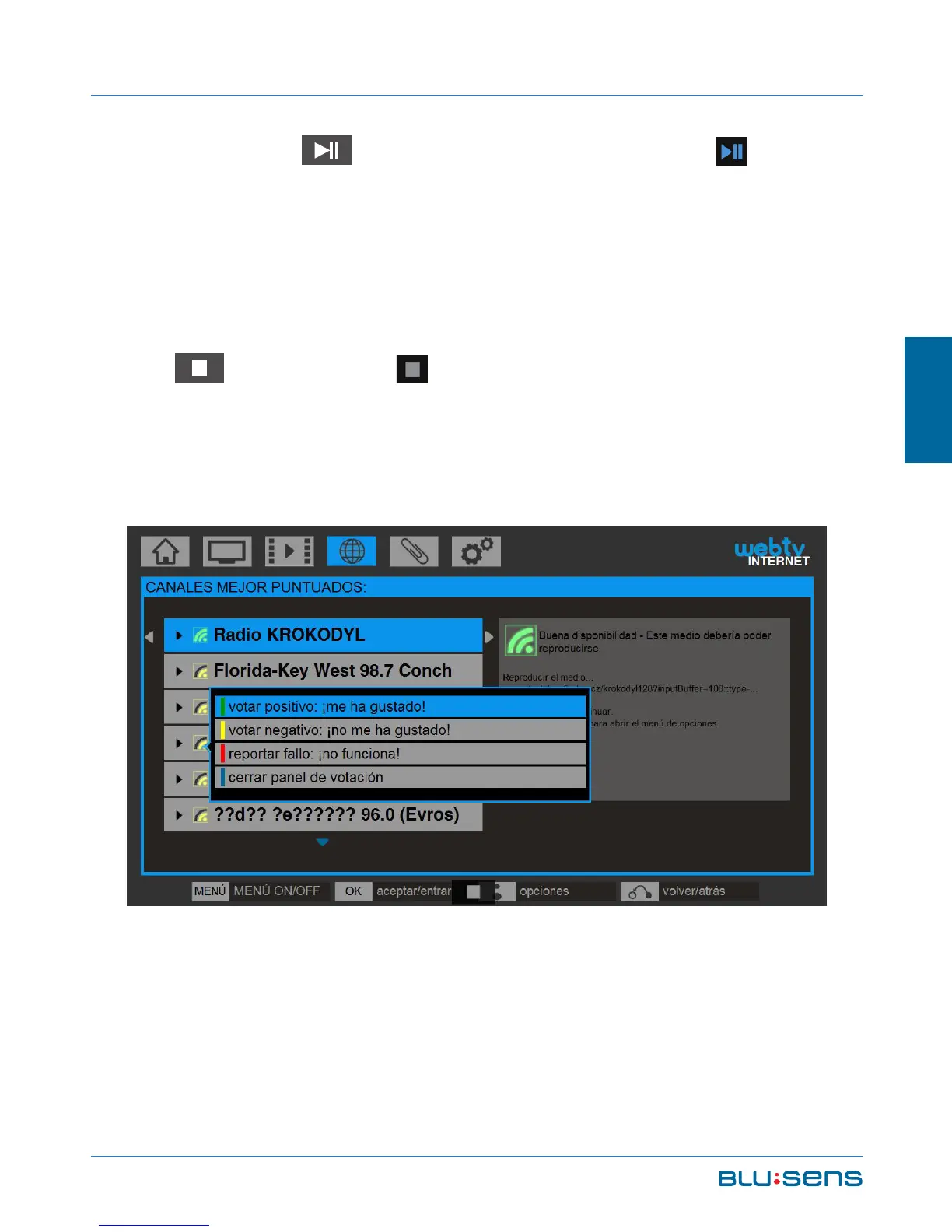
To stop listening to an Internet Radio channel press
the key or select in the shortcut menu. Once you
stop playback the voting panel for that channel will be
automatically displayed.
Press the BLUSENS button on the Internet Radio
channel to display the options available for that channel:



 To Next Page