USER MANUAL
154
Use the directional buttons to change the area and
select the option you want, and access with the OK
OK
button.
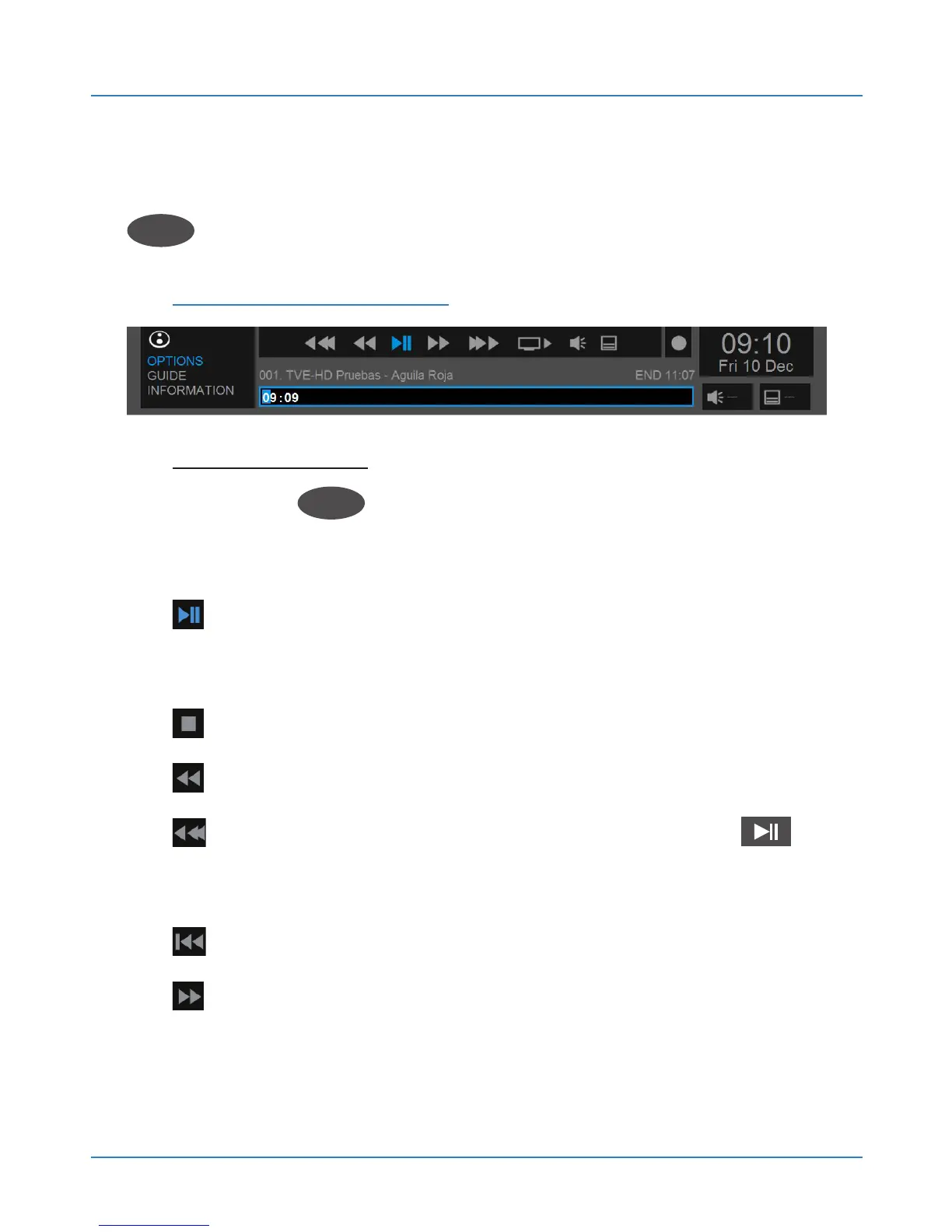
Shortcut Menu Icons:
Shortcut menu: Select the corresponding icon and
press the OK
OK
button :
PLAY / PAUSE. Starts and pauses playback. Also
with the remote control key. In DTV it will start Timeshift.
STOP. Stops playback / recording.
RW. Fast rewind.
RW. Fast rewind in progress bar. Press to
play.
RW. Previous track.
FF. Fast forward.



 To Next Page