USER MANUAL
30
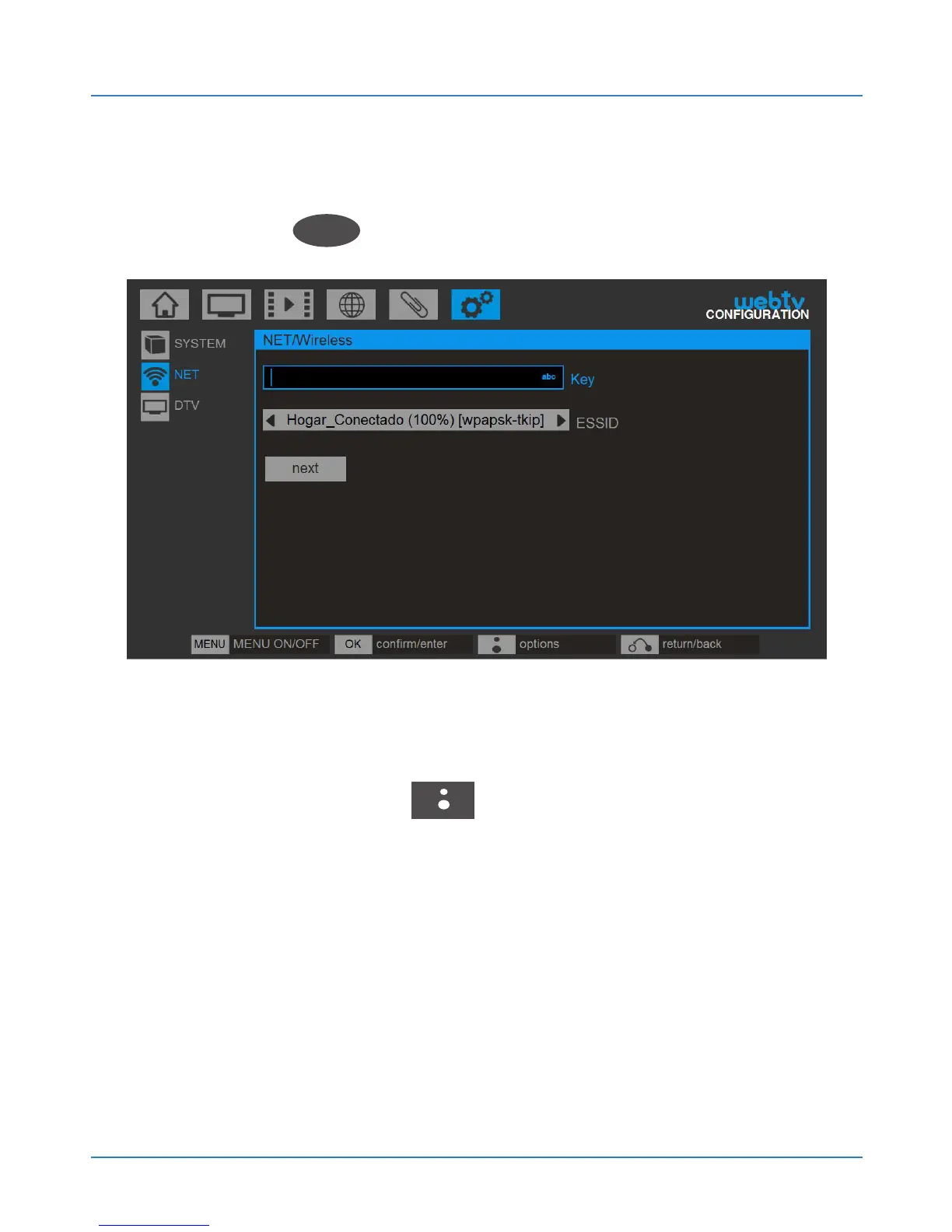
In the ESSID field select the wireless network you
want to connect to using the left and right arrow keys,
and click OK
OK
.
Then enter the network key using the alphanumeric
keypad of the remote control or the keyboard on the
screen (BLUSENS key ) and confirm the operation.
Remember that the wireless key is case sensitive.
If your router has the DHCP server enabled
(enabled by default on most routers) select AUTOMATIC
CONFIGURATION and your Web:tv will automatically
configure the Internet connection. Otherwise, you must



 To Next Page