USER MANUAL
46
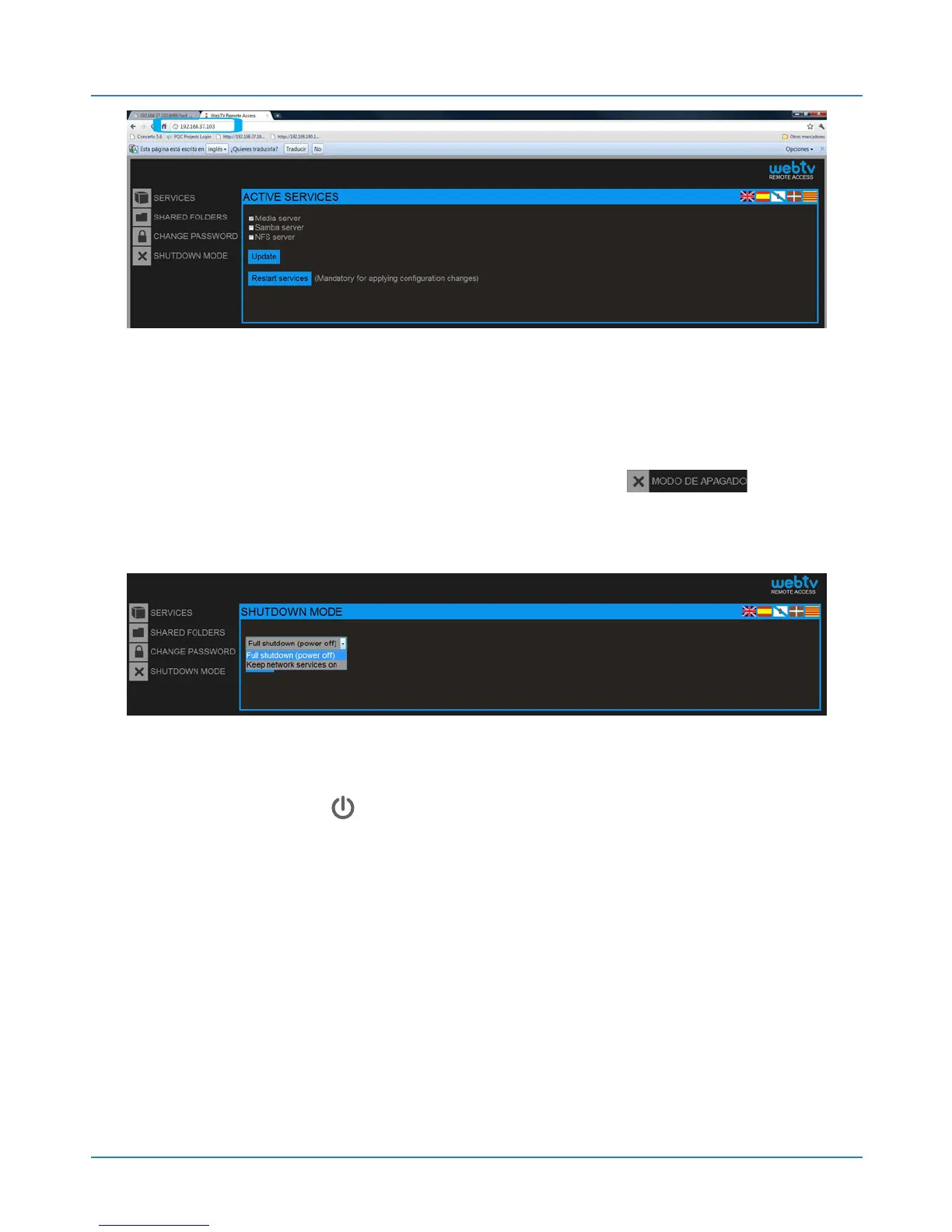
NOTE: The default data for access to the web
interface are: User: admin / Password: 1234 (see
chapter 10.5). Go to “Shutdown mode”
To change the standby mode there are two options:
1.Complete shutdown: Web:tv turns off completely
when you press .
2.Powered network services: Web:tv will turn off but
the network services will continue to operate.
After selecting you will have to accept to save the
changes.



 To Next Page