To enter the Menu settings, the gate/s must be in either the full Open or full
Close position, the control board will not allow you to enter the Menu settings
while the gate opener is operating.
Press and hold “FUN” button for 2 seconds or until the Digital Display shows
P0. From here use “DEC” or “INC” buttons to go down or up the menu list,
once you are on the menu setting you need, press “FUN” button once to enter
the setting. Now use “DEC” or “INC” to decrease or increase the parameter
number, once you have selected the parameter number you require, press the
“FUN” button to conrm the new setting.
To exit the menu setting, press the “Learn” button once.
Now test your adjusted settings.
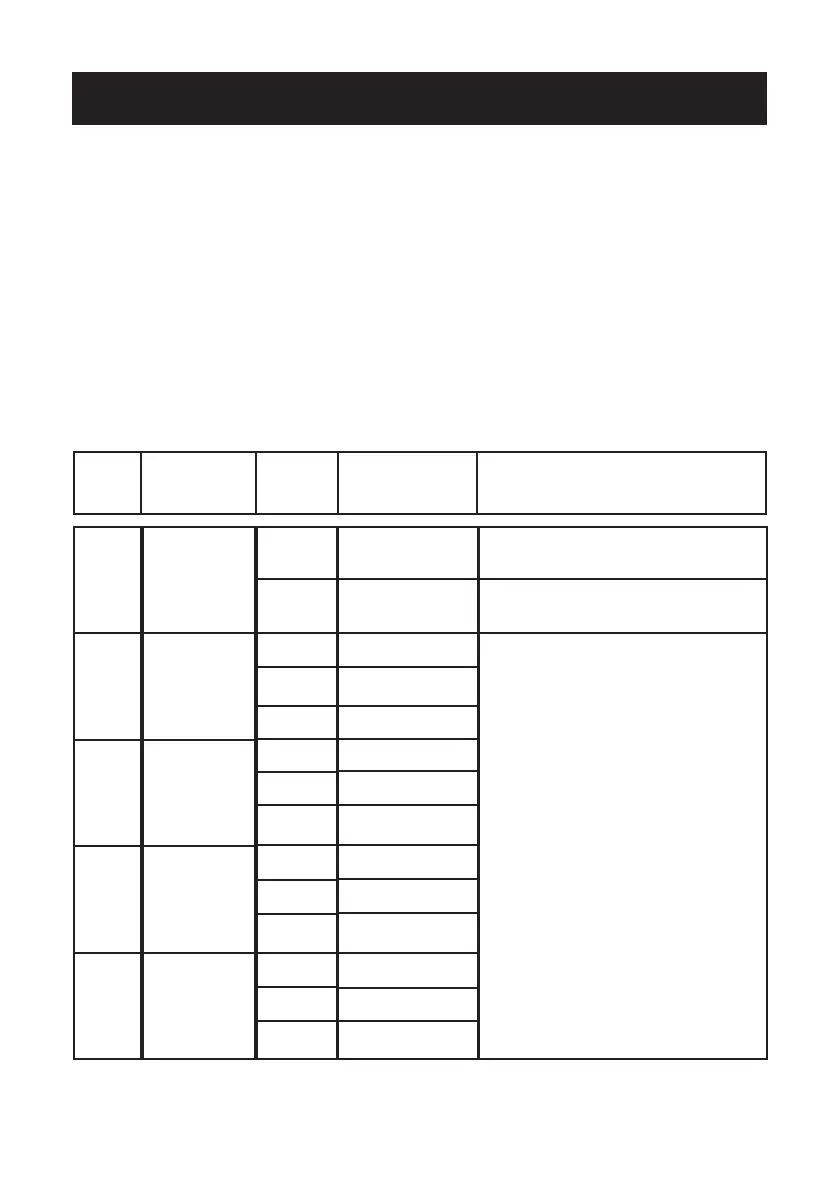
Menu Settings
Menu Main
Feature
Parameter Parameter
Feature
Detailed
Description
P0
P1
P2
P3
P4
Activates
Single swing
or Dual Swing
mode
Motor 1 open
gate obstacle
sensitivity
Motor 1 close
gate obstacle
sensitivity
Motor 2 open
gate obstacle
sensitivity
Motor 2 close
gate obstacle
sensitivity
0
1
1
...
10
1
...
10
1
...
10
1
...
10
Double Swing gate
(factory set)
Single Swing gate
1 (Most Sensitive)
Factory set 5
10 (Less Sensitive)
1 (Most Sensitive)
Factory set 5
10 (Less Sensitive)
1 (Most Sensitive)
Factory set 5
10 (Less Sensitive)
1 (Most Sensitive)
Factory set 5
10 (Less Sensitive)
BMG will have the system set to match your
unit when purchased with a gate opener kit.
BMG will have the system set to match your
unit when purchased with a gate opener kit.
Adjust from 1 to 10, the higher the number,
the greater force required to stop the
gate. For heavy gates or long gates, you
may need to adjust this setting to a higher
number. The lower the number the easier
it is to stop the gate. For light weight gates
or short gates, you may need to adjust this
setting to a lower number.
The current of the motor running in the 12V
system is relatively large, it is recommend-
ed to set the value between 5-10 levels.



 To Next Page