Menu Main
Feature
Parameter Parameter
Feature
Detailed
Description
P5
P6
P7
P8
P9
PA
Slow speed
running time
Opening
Closing
delay time
Card input
trigger - auto
closing
Main Auto
closing
Electric lock
output mode
Lamp output
mode
0
1
...
5
0
1
2
...
6
0
1
...
99
0
1
...
99
0
1
...
6
1
2
3
4
Close slow speed
1s
Factory Set 2s
5s
Motor work at the
same time
1s
Factory Set 2s
...
6s
close
1s
Factory Set 5s
99s
Factory set close
1s
...
99s
Not output
(factory set)
1s
...
6s
Mode 1
(factory set)
Mode 2
Mode 3
Mode 4
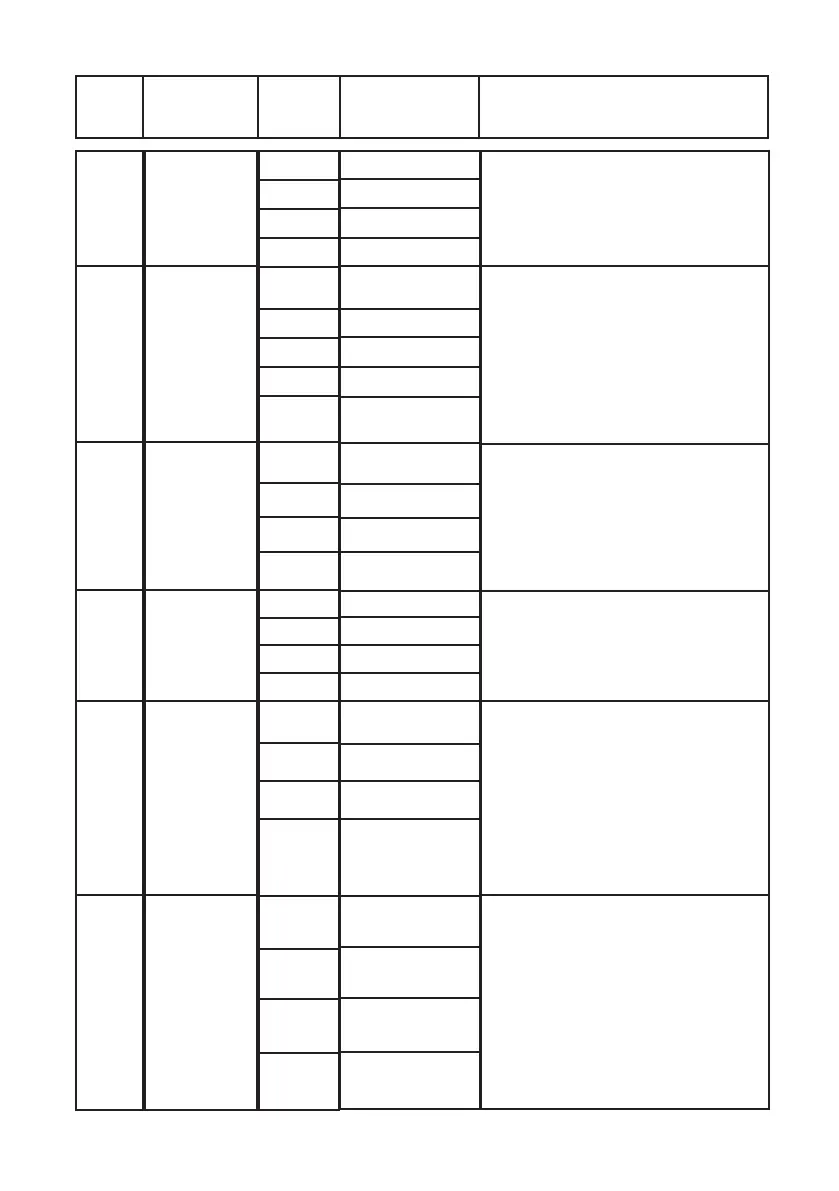
This adjusts the ramp down of the gate.
The slow speed can be adjusted from 0
seconds (not recommended as this puts ex-
tra stress on moving parts) up to 5 seconds.
For long gates we recommend the standard
setting of 2 seconds.
This setting is for Dual Swing gates. You
can adjust the opening/closing delay
between the two motors. This is required
if you have an electric gate lock connected
to the control board or if you require Motor
2 to open rst and Motor 1 to close rst.
You can set this from 0 seconds (open and
close at the same time) up to 6 seconds.
Factory setting is 2 seconds and is recom-
mended even if a gate lock is not installed.
If a device is wired into ‘CARD and COM’
on the control board, the gate will only open
from this device and not close. Therefore
auto close will be required to close the gate.
This auto close works independently of the
P8 “auto close” setting. Factory setting is
5 seconds. This can be adjusted from 0
seconds (no auto close) up to 99 seconds.
Auto close setting can be set from 0
seconds (factory setting) up to 99 seconds.
This setting runs independently of P7 ‘auto
close’.
This setting allows you to adjust the output
to your optional electric gate lock. Factory
setting is 0 which is set for NO GATE
LOCK. If you install a gate lock, it is recom-
mended you set P9 to level 3 (3 seconds).
This may need to be adjusted depending on
your gate setup.
If lock output is set 1 to 6, the lock will
activate rst for 1 second before the gate
starts, this is to allow time for the lock to
activate.
Set lamp work mode by menu PA , factory
set mode 1
1: Lamp output on when motor operating,
when motor stops lamp turns off
2: Lamp output ash when motor operating,
when motor stops lamp turns off
3: Lamp output on when motor operating,
after motor turns off 30 seconds later the
lamp output turns off
4: Lamp output ashing when motor oper-
ating, after motor turns off 30 seconds later
the lamp output turns off



 To Next Page