LCD Back-light Menu
This shows how to change the LCD back-light brightness. The back-light
brightness can be incremented or decremented in steps of 10%. The
brightness can be adjusted from 10% to 100%.
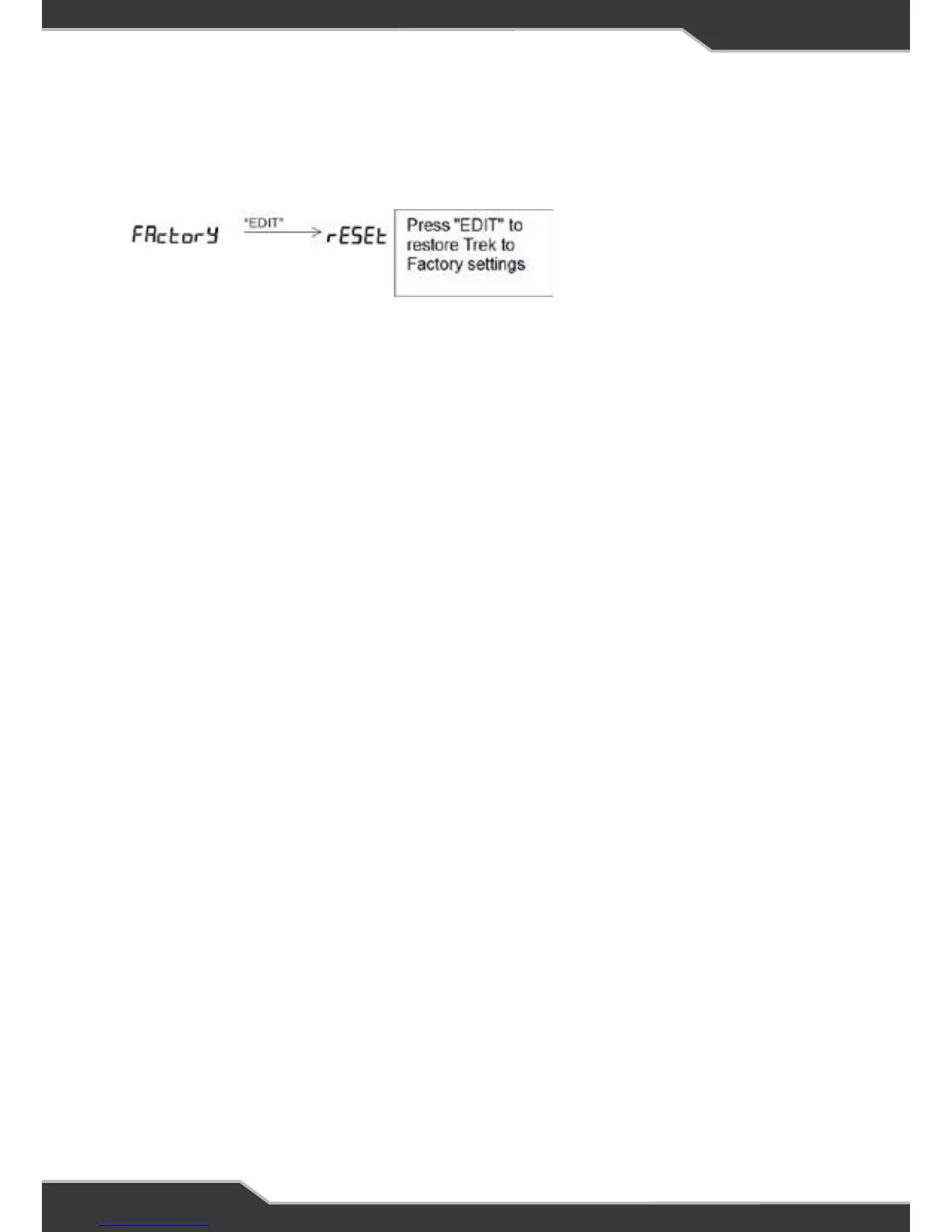
Factory Reset Menu
This shows to to restore Trek back to factory settings.
WARNING: All saved
settings will be erased.
16
Factory Reset Menu
This shows how to restore Trek back to factory settings.
WARNING: All saved settings will be erased.
To exit menu, press and release the “Back” button a few times until the home screen
is seen.
NEW BATTERY INSTALLATION
Trek is a smart battery monitor that is able to learn the actual battery capacity and
thus provide more accurate “Time Remaining” feedback to the user.
When an existing battery is replaced by a new one or if it is a new installation, check
the capacity of the new battery and verify this in Battery Capacity Menu on page 16.
Change this as required.
Fitting a new battery and doing nothing else will result in the “Time Remaining”
display initially being inaccurate. It is recommended to charge the battery until Trek
shows the charging current is less than 2A. Disconnect mains, solar and auxiliary
before installing a new battery.
See BatteryPlus35 installation instructions for more information on the installation
of new battery.
CONNECTORS
At the rear of Trek are two connectors.
1. The communication bus connector which is a data cable that connects
BatteryPlus35 to Trek.
2. The Tanks Sensor connector with a detachable loom. This loom can be connected
to 4 digital tank sensors.



 To Next Page