52
OPERATION
RVView is designed to interface with BatteryPlus35. The functionality described
below assumes RVView has been correctly connected to BatteryPlus35.
The RVView will turn off if battery voltage is too low.
DESCRIPTION OF DISPLAY ELEMENTS
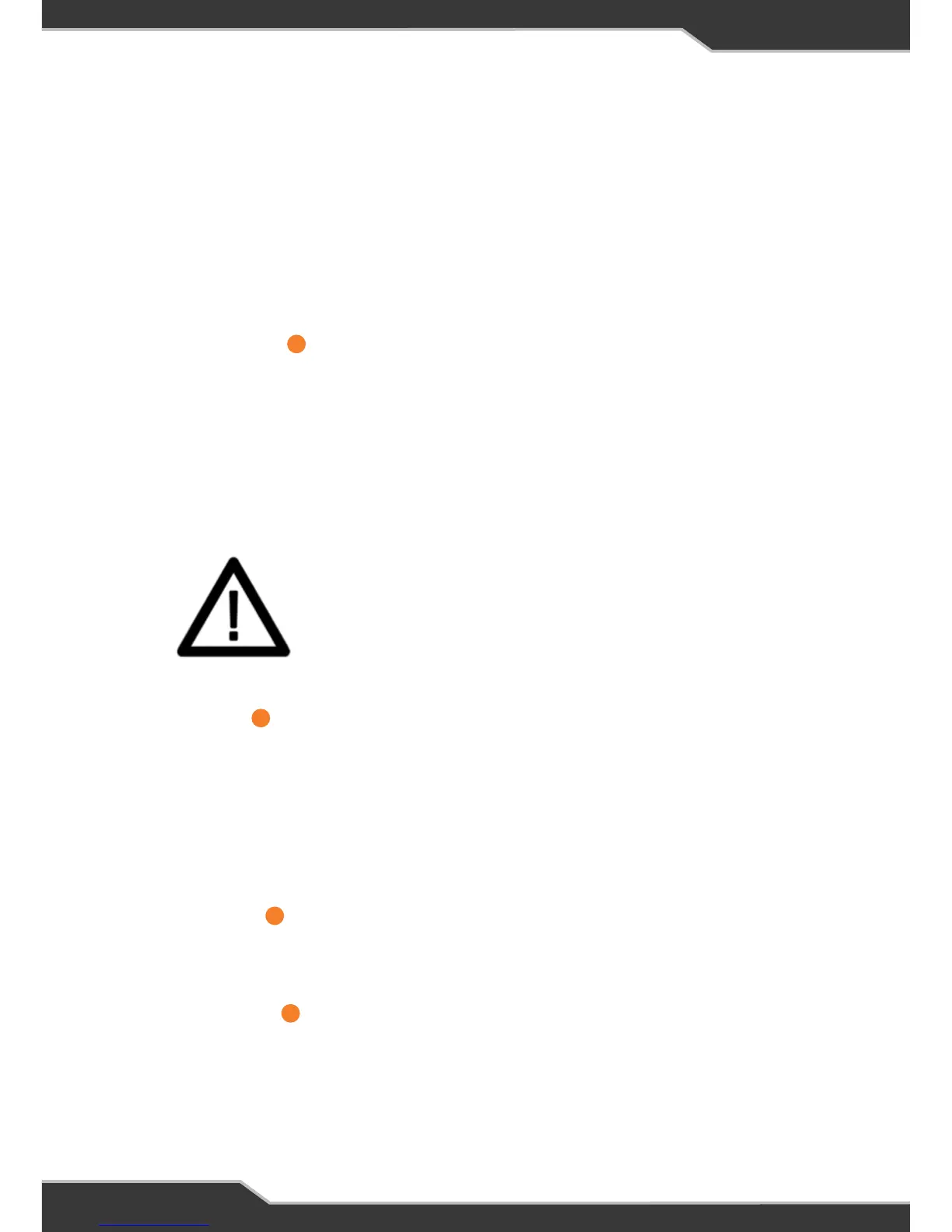
Warning Indicator
The warning symbol will be displayed
1. If one or more of the outputs on the BatteryPlus35 are shorted or overloaded.
To fix the issue check all wiring and appliances connected to the BatteryPlus35
outputs. Remove any faults found.
2. If the external shunt was installed and is no longer communicating the warning
icon is as follows:
The Warning Icon
Input Current
This is the total current provided by the BatteryPlus35 from any source to the
appliances and the battery, shown in Amps.
Example; if the battery is charging at 5 Amps and the appliances are consuming 10
Amps then the input current will display 15 Amps.
If no sources are available or no battery is installed this section is left blank.
Output Current
The output current is current provided by the system to the output appliances, shown
in Amps. This would display 10A in the above example.
Backlight Button
A single press of this button will turn the backlight on and will turn it off in 30 secs.
Repeated single presses will toggle the backlight on and off.
1
2
3
4



 To Next Page