OZONE ANALYZER BMT 965 Manual, Rev. 01/2024
___________________________________________________________________________
16
During the complete zeroing period of 20 seconds the analog outputs are set to the stored concen-
tration value measured immediately before the start of the zeroing cycle. In User Mode the RS-232
transmits the same concentration, and 'AAAA' instead of the cuvette's dirtiness.
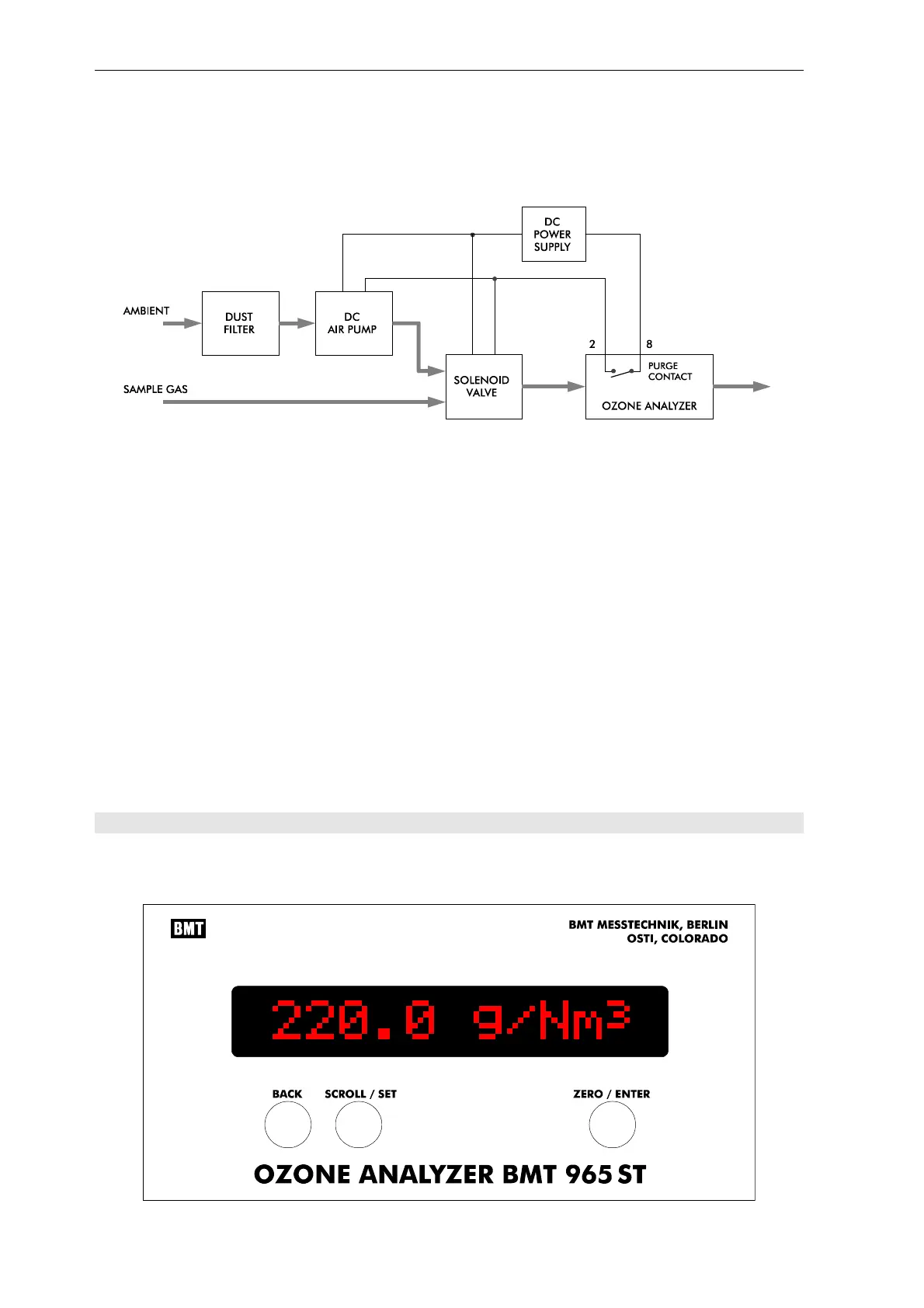
The above setup shows the components needed for automatic zeroing. It is very important to
provide automatic switching of purge gas, before the Auto Zero Interval is set to other values than
zero hours! Otherwise, the instrument could possibly calculate the zero value with ozone in the
cuvette. The Auto Zero Interval is described on page 26.
It should be pointed out, that setting the Auto Zero Interval to zero hours actually means, that the
analyser does not go through the purge cycle described above and does not activate the Purge
Control contact! In this case, the user shall never initiate zeroing with ozone in the cuvette. With
the option Internal Purge Unit, or in the cabinet version, the analyser takes care about switching
to zero gas, itself.
In case the OZONE ANALYZER BMT 965 is equipped with an Internal Purge Unit (solenoid
valve and air pump with particle filter) as an option, e.g. in the model BMT 965 BT (see Appen-
dix B) the terminal 2 should not be connected externally.
7 Front Panel Operation
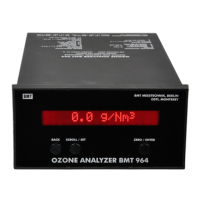
The front panel consists of a 16-character alphanumeric display (LCD with red backlight illumina-
tion) and three pushbuttons. The display is updated every 0.3 s.



 To Next Page