OZONE ANALYZER BMT 965 Manual, Rev. 01/2024
___________________________________________________________________________
17
The pushbuttons can be used to perform the following operations:
Switch to pressure display (and back)
Zero the BMT 965
View parameters
Change parameters
Confirm file copy or firmware upgrade
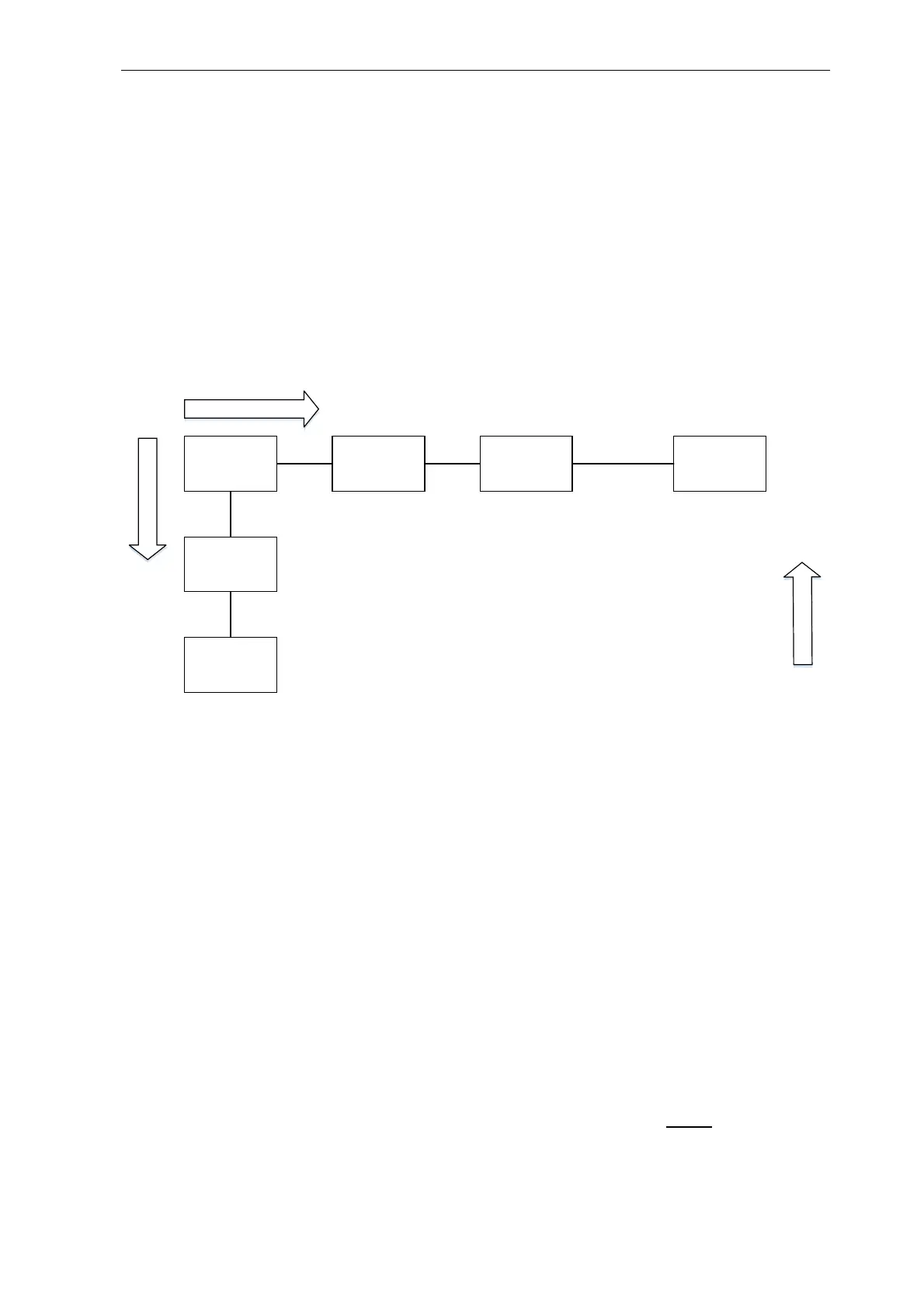
The following diagram shows the functions of the main menu:
Concentration Pressure
Zeroing
Sure?
Zeroing
View
Parameters
Set Parameters
Press Scroll for
at least 2s
PIN-Protection
SCROLL
ENTER
BACK
Main Menu
Expressions printed bold in the following sections of text always relate to the contents of the
instrument menus.
The button SCROLL / SET moves to the right within the menu, the key ZERO / ENTER down-
wards and the button BACK moves upwards. The SCROLL action will continue on the left side,
once it has reached the right side of the diagram. This is also valid for the later explained menus
View Parameters and Set Parameters.
From now on, when relating to the multi-functional keys SCROLL / SET and ZERO / ENTER
only the function meant in the context will be mentioned.
Starting with Concentration pressing the button SCROLL will lead to Pressure. Here the pres-
sure inside the cuvette is displayed and updated every 0.3 s. One further push on SCROLL displays
View Parameters. After pressing ENTER the parameters can be viewed, but they cannot be
changed.
Changing Parameters
If in the menu position View Parameters the button SCROLL is pushed briefly, the instrument
resumes display of the ozone concentration (Menu position Concentration).



 To Next Page