153
Congratulations! You Just Completed the
Assembly of Your Evolution 5.
Please review the Software Setup Guide for Software
installation and setup.
Updating Firmware
Evolution 5 Firmware Value Change
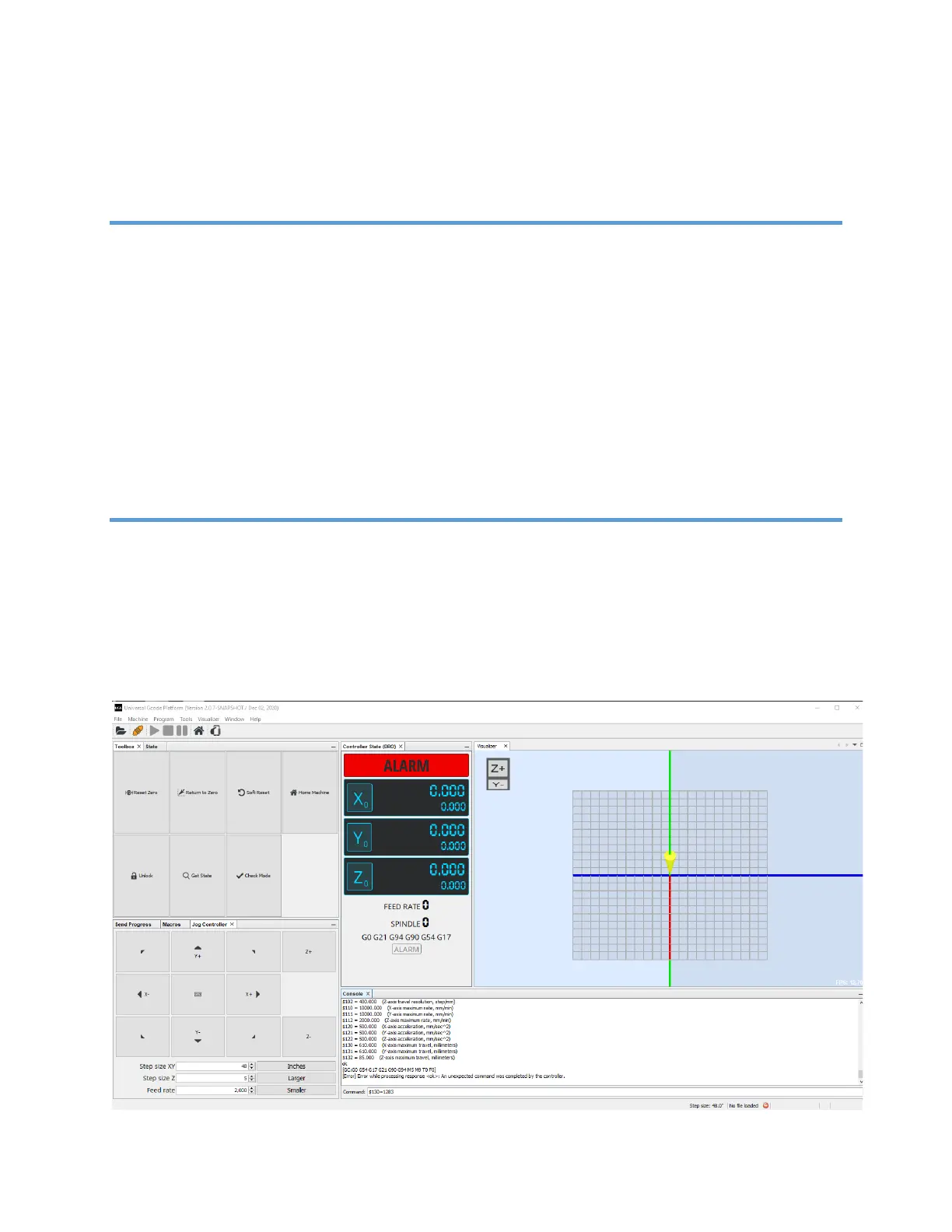
Connect the CNC to the USB and connect to UGS Platform. Type in $130=1283 in the
command textbox of the console window of UGS and press the enter key. This will
change the soft limit for the X axis to the new value of 1283mm (50.5”)


 To Next Page