The Wi-Fi will need to be disabled if you choose to communicate to the printer via the USB port.
This may be done as follows:
Depress both the MENU and CHOICES buttons while turning on the printer. Keep both buttons depressed unit
FACTORY MENU appears in the LCD window or the display starts scrolling through different topics.
5. Using the MENU button scroll down to the WIRELESS?
6. Using the CHOICE button scroll through the different choices.
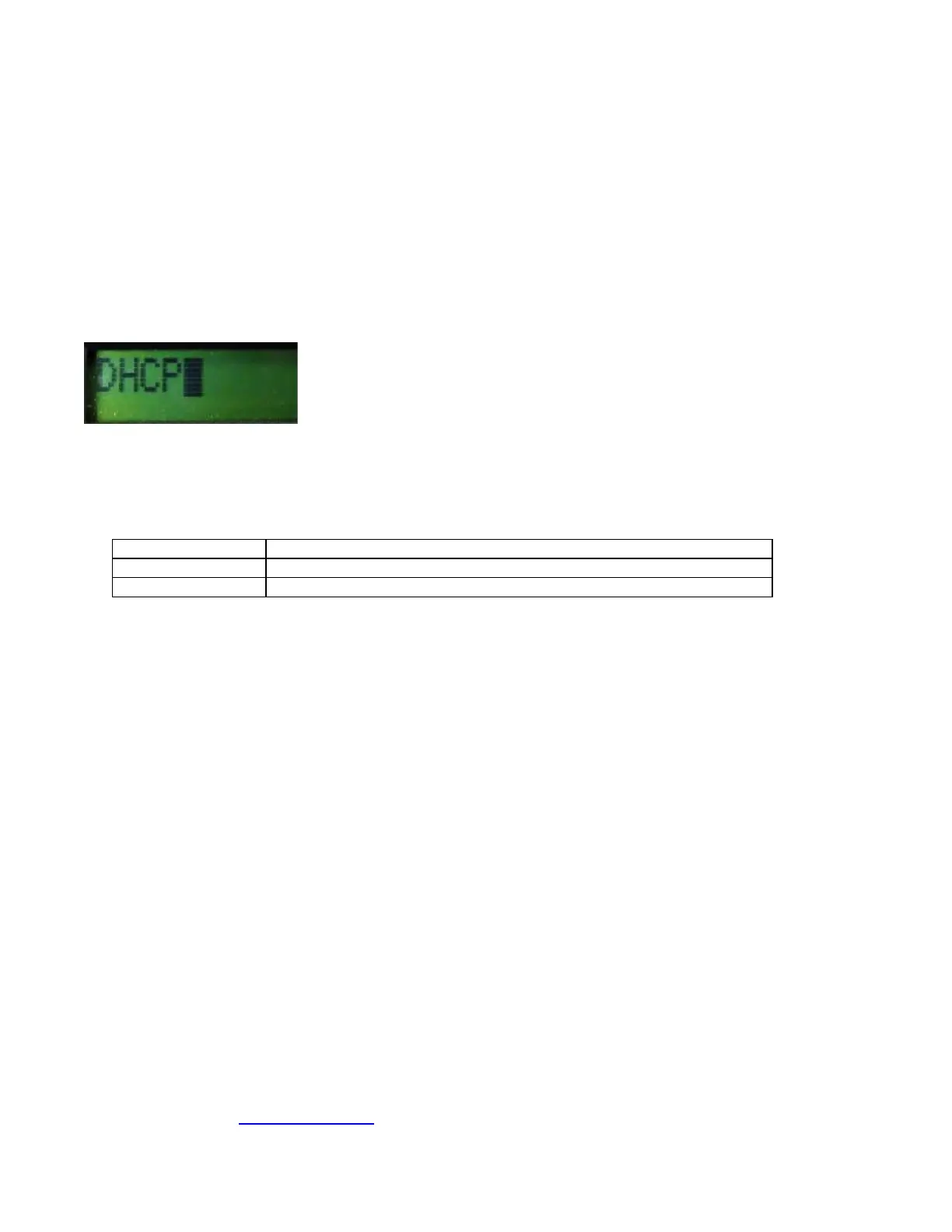
7. At choices STATIC IP and DHCP you want to denote if there is a cursor blinking next to said choice? If so,
then that is the current setting the printer is set for. This is the setting you need to select when you go to
activate Wi-Fi again. For example, if the printer was set for DHCP Wi-Fi connection you would see the
below.
8. Continue pressing the CHOICE button until you get to DISABLED. Once you have done this press the
TEST button. The display will show EXIT AND SAVE, press the TEST button a second time. The printer
will reset and Wi-Fi should be disabled.



 To Next Page